NetSuite and Choosing an ERP
ERP types: Tier 1, Tier 2 and Tier 3, and which one your company needs
What sets Tier 1, Tier 2 and Tier 3 ERP apart, which companies each tier serves, and how to tell where yours stands today and in three to five years.
· 5 min read
Choosing an ERP by brand means starting at the end. The useful question for leadership is what kind of system your operation requires today and what it will require in three to five years, because the same system can be exactly what a group with five legal entities needs and overkill for a company with one.
The market usually sorts ERP systems into three levels, or tiers, based on the size and complexity of the companies they serve. It is not an official classification and the boundaries are not rigid, but it helps you see where your company stands and where it is headed.
Tier 1: large corporations and groups with complex operations
This is where you find systems built for large corporations and groups with multiple legal entities, operations in more than one country, several currencies, and processes that do not fit a standard configuration. In Oracle's portfolio, this tier is covered by Oracle Fusion Cloud ERP and Oracle E-Business Suite.
What defines this tier is the kind of problem it solves:
- Financial consolidation across several entities, with different accounting rules in each country.
- Procurement, inventory and supply chain with many steps, approvals and exceptions.
- A transaction volume where closing the month by hand is no longer an option.
- An internal team or a partner able to support a system with a lot of configuration.
The cost of entry, in both money and implementation time, is higher than at the other tiers. For a midsize company with a single entity, that capacity usually goes unused. For one with complex operations, the pain runs the other way: a smaller system that forces workarounds and another migration within a few years.
Tier 2: midsize companies and growing subsidiaries
This is the tier for midsize companies and subsidiaries of larger groups that have outgrown the basics but do not yet need the full machinery of a large corporation. In Oracle's portfolio, this tier is covered by Oracle NetSuite.
Oracle NetSuite is a cloud-native ERP that brings finance, inventory, procurement and e-commerce together in a single database, with two updates a year delivered by Oracle. With its OneWorld edition, it runs multiple subsidiaries, currencies and languages with financial consolidation, so it can keep up as the company grows into more entities or countries without changing systems.
At this tier, what separates a good decision from a bad one is not the module list but the licensing, the capability of the implementation partner, and how far the system takes you before a migration becomes necessary.
Two-tier ERP: headquarters and subsidiaries on different systems
Many large companies combine tiers: a Tier 1 ERP at headquarters and a Tier 2 ERP in subsidiaries, business units or acquired companies, with financial information integrated up to the parent. This setup is known as two-tier ERP. For the subsidiary, the advantage is a faster start and a cost proportional to its size; for the parent company, it keeps visibility and control without extending its system to every entity.
In Mexico, the model comes with a condition worth resolving at the design stage: the subsidiary has to comply with CFDI (Mexican e-invoicing), its complements, and SAT (Mexico's tax authority) reports that the parent's configuration does not necessarily cover. Whether the model works or the subsidiary ends up operating outside the system depends on that.
Tier 3 and accounting systems: the starting point
Tier 3 groups entry-level ERP systems for small companies, with lower cost and a narrower scope. In Mexico, many companies also do not go straight from Excel to an ERP. They go first to an accounting or administrative system, which handles accounting, CFDI issuance, banking, and basic invoicing and inventory well.
An accounting system organizes the finance function; an ERP also connects procurement, inventory, sales and projects on a single database. For a company with one entity and a simple operation, an accounting system can be the right tool for years.
An accounting system falls short when situations like these appear:
- You have more than one company or branch and need consolidated figures without building an Excel file on top.
- Inventory, sales and accounting live in separate programs and someone reconciles them by hand every month.
- You need approval workflows, project control or costing that the system does not cover.
- The month-end close depends on exporting, cleaning and reloading data.
If any of these sounds familiar, it does not mean what you use is wrong. It means the operation has outgrown the type of tool.
How to tell which tier your company is in
No type of system is right on its own. These four criteria organize the decision better than any feature table:
- Size and number of entities: how many legal entities, countries and currencies you have today, and how many you will have in three to five years.
- Operational complexity: whether you manufacture, distribute, sell through several channels or deliver services by project, and how many exceptions your normal process has.
- Mexican tax localization: how the system handles CFDI, electronic accounting filings and DIOT (the Mexican VAT report on third-party transactions), and who updates it when a SAT rule changes.
- Who supports it afterward: the project does not end at go-live. Ask who answers questions in month six and what your team can run without depending on the implementation partner.
The fourth criterion is the one most often overlooked and the one that weighs most over time. A well-chosen system delivers what it promises when someone supports it.
A useful exercise: answer those four criteria with data from your current operation, not with what you expect to be in ten years. Then rule out the tiers that sit well below or well above. Typically two or three options remain, and that is when it is worth asking for demonstrations with your own use cases, not those from a catalog.
If you still run on Excel or an accounting system
At CETERiS, we have worked with Oracle since 2008, on Oracle Fusion Cloud ERP, Oracle NetSuite and Oracle E-Business Suite, and we support companies in Mexico and Latin America in the move from an accounting system to an ERP and in the tax localization each country requires.
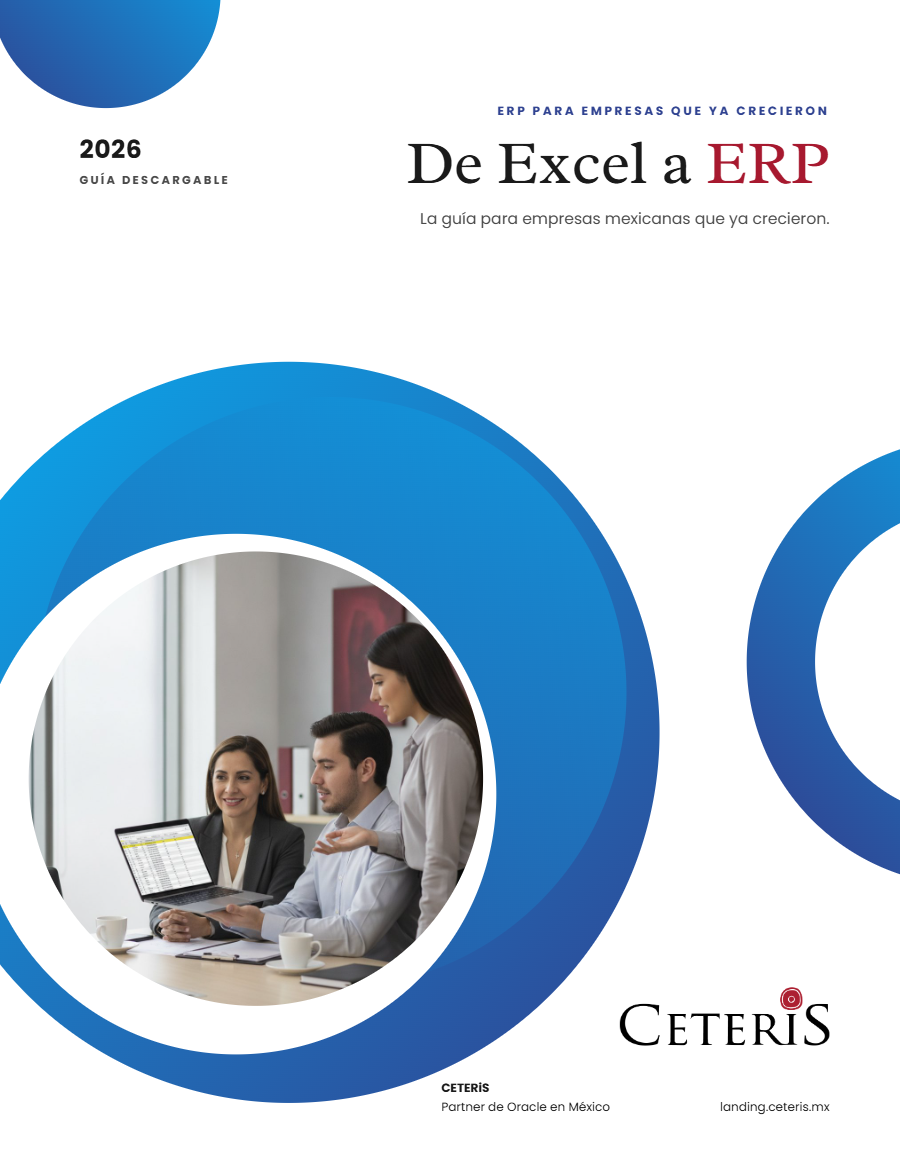
If your operation lives in Excel or an accounting system today and you are not sure it is time to make the jump, the From Excel to ERP guide (currently available in Spanish; English edition coming soon) explains how to find out using your own operation, before you ask for a single quote.
Sources
How we can help
Facing something similar?
Tell us which system you run and what it can't do for you today. The first conversation is about understanding your situation.
Request an assessment

Free guide · 24 pages · In Spanish
From Excel to ERP: how to tell if it's time
What we'd tell you in a first assessment meeting, in writing: how to know whether you need an ERP, what it costs in estimated ranges and how to migrate without disrupting operations. Currently available in Spanish; English edition coming soon.
- The 7 signs you've outgrown spreadsheets
- What an ERP costs and what drives the price
- The 5 most expensive mistakes
- A checklist to decide whether it's time