NetSuite and Choosing an ERP
ERP for small and midsize businesses in Mexico: what to demand before comparing
Eight things to demand from an ERP before comparing proposals if you are a small or midsize business in Mexico: scope, data, invoicing, accounting and growth.
· 5 min read
When a small or midsize business decides to look for an ERP, the first round of demos tends to look very similar: clean screens, dashboards and a list of modules. It's hard to compare proposals this way, because they all say they do everything. What helps is arriving with a short list of things you will demand from the system and from whoever implements it.
Use it as a script for your meetings. Each item is a question the vendor should be able to answer with an example, not a presentation. If an answer stays at generalities, note it: that answer tells you something too.
This list doesn't replace an assessment of your operation, but it helps keep the conversation with any vendor concrete.
1. Test it with your own cases
A demo with sample data says nothing about your company. Ask the vendor to walk through, with your rules, three or four processes that genuinely hurt: for example, a sale with a discount and partial delivery, a purchase with incomplete receipt, and a month-end close. If it can't be done in one session, ask what is missing to make it happen.
Also ask that the people who will use the system every day take part, not just the person who signs. Someone who enters orders or reconciles bank accounts spots in ten minutes what leadership takes months to discover.
2. Make sure it covers your Mexican tax operations
This point isn't optional and can't be settled “later.” The SAT (Mexico's tax authority) states that CFDI 4.0 (the Mexican e-invoice) has been the only valid version since April 1, 2023, and that version 2.0 of the payment receipt complement has been mandatory since that same date. For the electronic accounting filing, Annex 24 of the Miscellaneous Tax Resolution requires the chart of accounts linked to the SAT's grouping code, the trial balance and, when the authority requests it, the period's journal entries.
Ask which part comes in the product, which part depends on an add-on, and who is responsible when the SAT changes something.
3. Make sure your data can go in clean
Almost every small project gets delayed in the same place: the data. A customer master with incomplete RFC (Mexican taxpayer ID) and tax regime, duplicate items, suppliers without tax data. Ask who cleans, who loads, how many test loads are planned and how you validate that the new system's balance matches the old one.
4. Make sure the scope says what is not included
A clear proposal lists what is in and also what is out. Check, for example, whether it includes custom reports, integrations with the online store or the bank, training, and support after go-live. Whatever isn't written down will be charged separately or won't be done.
5. Make sure the price can be compared
A price without context can't be compared. Ask each proposal to detail the number of users and their type, the modules included, the number of test environments, implementation hours by phase, post-go-live support and any recurring cost. Also ask for a three-year scenario with the growth you expect, because that's where proposals stop looking alike.
Some signals are worth checking before you sign: a promised start date without having reviewed your processes, a team with no names, a data migration that doesn't appear in the scope, or an answer that proposes a customization for every gap. None of them is an accusation; they are questions that a document can answer.
6. Make sure it grows with you without redoing everything
A small or midsize business today may have two companies, three branches and dollar sales in five years. Ask how entities, currencies, warehouses or users are added, and what changes in cost when that happens. A system that fits your budget today and forces you to start over tomorrow isn't cheaper.
7. Make sure every piece has an owner in your company
No ERP works if nobody on your side decides how a customer is named, how a purchase is approved or when the month closes. Before signing, define who will be responsible for finance, operations and data within the project, and how many hours a week they will have available.
8. Make sure you can take your data with you
Ask how your data is exported and in what format, and what happens to it if you ever stop using the system. It's a question almost nobody asks at the start and everyone wishes they had.
A good sign is that the vendor shows you how data comes out for a customer who has already left the system, or at least how a full export of customers, invoices and journal entries is done. If the answer is “that isn't done,” your company will be tied to the system beyond what is wise.
A note on size
“Small and midsize business” covers a very wide range. A company with a single legal entity and little complexity doesn't need the same thing as one with several entities, foreign trade or manufacturing. If you're unsure which level you are at, the article on types of ERP explains how to place yourself.
It also changes over time. What is a simple operation today can become complex when you open another legal entity or start importing. Choosing with only the present in mind usually leads to a second purchase within a few years; choosing with only the future in mind usually leads to a system bigger than the team can operate. The middle ground is found with the requirements of the next three years, not those of today or of ten years out.
Tell us which process costs you the most today and what tools you use to handle it, and we'll help you build the requirements list for comparing proposals. If you want a first look, the self-assessment at www.ceteris.mx/autodiagnostico-erp/ gives you an initial picture.
Sources
How we can help
Facing something similar?
Tell us which system you run and what it can't do for you today. The first conversation is about understanding your situation.
Request an assessment
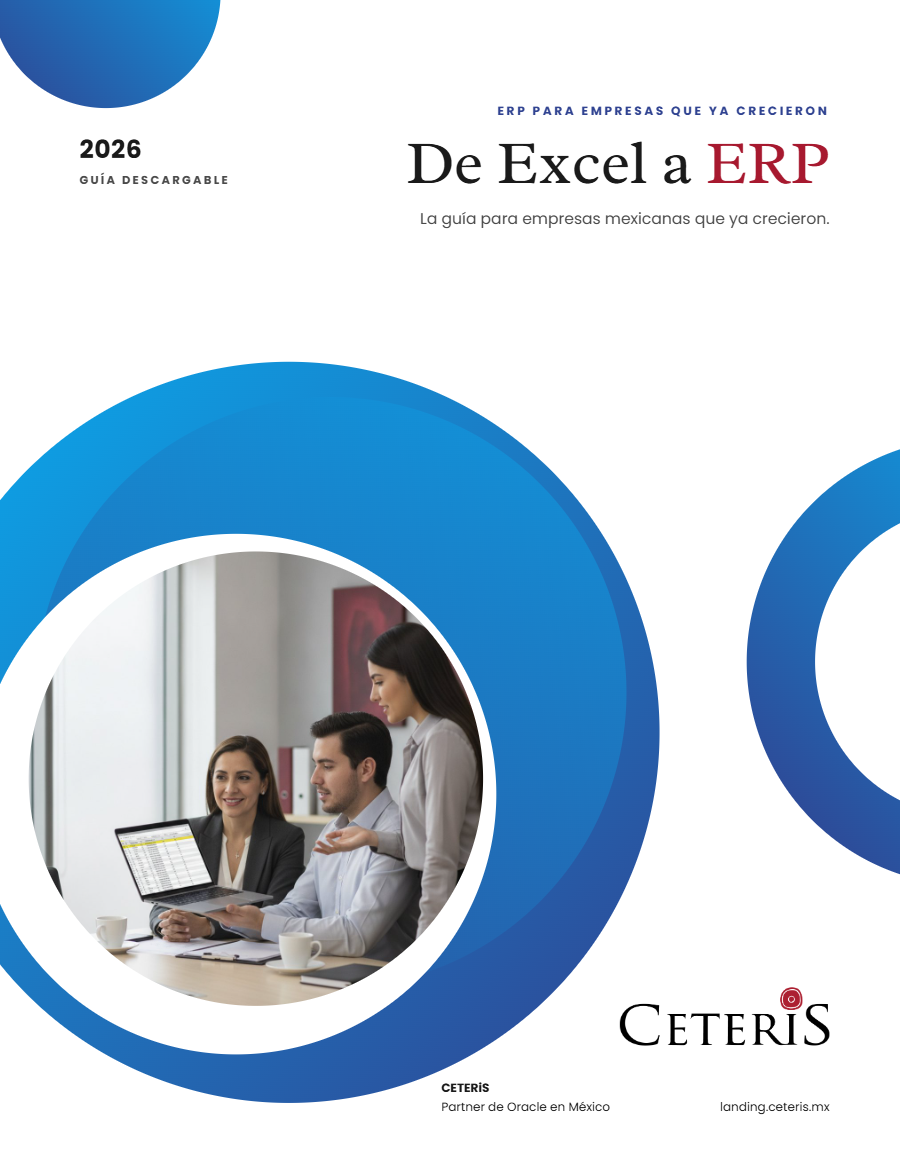
Free guide · 24 pages · In Spanish
From Excel to ERP: how to tell if it's time
What we'd tell you in a first assessment meeting, in writing: how to know whether you need an ERP, what it costs in estimated ranges and how to migrate without disrupting operations. Currently available in Spanish; English edition coming soon.
- The 7 signs you've outgrown spreadsheets
- What an ERP costs and what drives the price
- The 5 most expensive mistakes
- A checklist to decide whether it's time