NetSuite and Choosing an ERP
The stages of an ERP project: what happens in each phase and who decides what
The eight stages of an ERP project, from assessment to stabilization: what happens in each one, what to get in writing and what leadership decides.
· 7 min read
When an ERP project stalls, it is almost never because of the software. It is because nobody was clear on which stage the project was in, what each department was expected to deliver, and who had the final word when two opinions clashed.
For leadership, the underlying question is not technical: at what points in the project are the budget, the schedule and the operation committed, and who answers for each decision?
This article walks through the eight stages in the order they happen: what gets done in each one, what you should get in writing, and the decision that belongs to your company. Durations depend on each operation, which is why we don't give universal timelines.
Why it helps to view the project in stages
An ERP is not installed like an office program. It changes how the business operates, which is why implementations are divided into stages, each with a clear output. If one stage doesn't close, the next one inherits the problem and makes it more expensive.
Stage names vary by methodology. At CETERiS we work with Oracle Unified Method (OUM), Oracle's implementation methodology, and the sequence is: assess, design, build, validate, train, transition, go live and support.
Stage 1. Assessment
This is where you document how the company operates today: processes, systems, the spreadsheets that hold up the close, the reports leadership asks for and tax obligations. That defines what goes into the project and what is left for a second phase, and for each item in scope it makes clear how it will be solved: with standard ERP functionality, with configuration, with a custom development or with an integration.
What should end up in writing: scope by process, how each requirement is addressed, the departments and legal entities included, the assumptions and what is out of scope. That level of detail is what lets design and build move forward without surprises: a requirement that doesn't appear here, or that appears without saying how it will be solved, comes back later, usually when it is already expensive to address.
Your decision: the scope and the project sponsor. Without someone in leadership backing it, priorities get renegotiated every week.
Stage 2. Design
Each requirement is translated into how the process will work in the new system: approval workflows, chart of accounts structure, roles, master data and reports. This is the stage where you discuss what adapts to standard ERP functionality and what truly needs customization.
Here the team drills into the detail of the structure to be configured: legal entities and business units, the chart of accounts and its segments, warehouses, cost centers, approval rules and amounts, roles and permissions. Every definition left open in the design becomes an improvised decision during the build.
Ask for a design document that your department leads review and sign. It is far cheaper to fix a workflow on paper than in a system that is already configured.
Your decision: which processes change and which stay as they are. A useful rule is to customize only what gives your operation an advantage and adopt the standard for everything else.
Stage 3. Configuration and build (development)
The design gets built: company structure, chart of accounts, taxes, roles and permissions, workflows, integrations with other systems and the approved customizations. This is also where tax localization is handled: CFDI stamping (Mexican e-invoicing), supplements, DIOT (Mexican VAT report on third-party transactions), electronic accounting and the reports in the format required by the SAT (Mexico's tax authority). It is the part of the project that depends most on the implementation partner's experience with each country's regulations.
In this stage there are no deliverables for your team to validate in the system. The implementation partner builds and runs its own internal tests, function by function, before releasing the system to user testing. That is why the quality of this stage depends on what was defined earlier: if the assessment and design are complete, you build what the operation needs; if not, the problem only surfaces during validation.
Your responsibility: make sure your team is available to answer the implementation partner's specific questions, and that any change to the design goes through formal approval before it is built.
Stage 4. Validation (testing)
Validation happens in layers: first each function, then complete end-to-end processes and, at the end, user acceptance testing, where people on your team walk through their real work, such as closing a period or invoicing a customer on credit.
Tests are run with representative samples of your data and real scenarios from your operation. Ask that each test have an expected result and an owner who approves it. Fixing a defect at this stage always costs less than fixing it once the business is running on the system.
Your decision: whether the system is ready to operate. That approval belongs to your company, not to the implementation partner.
Stage 5. Training
Training is role-based, uses your own company's processes and data, and takes place before go-live. One general session for everyone delivers little: the person in accounts payable and the person who approves purchases use different parts of the system.
It helps to train one or two people per department who master the process and can answer day-to-day questions.
Your decision: freeing up people's time. If training competes with the close, the close wins.
Stage 6. Transition (data migration)
This is the move from the old system to the new one, and along with validation it is the stage with the most risk of delay. You decide which data moves, then cleanse it, transform it into the new system's format and load it in rehearsal rounds until the final load before Go Live.
What moves is what the operation needs from day one: cleansed master data, opening balances, active customers and suppliers, open documents and inventory with its cost.
What only serves as history stays available for reference.
Each rehearsal is validated with representative samples against the old system: trial balance, receivables, banks and inventory.
The common mistake is leaving data cleansing for the end or assuming it is an IT task. The data belongs to each department, and the people who know it must validate it.
Your decision: what gets migrated and who signs off that the load reconciles.
Stage 7. Go Live
The Go Live date is confirmed when validation is approved and the data load reconciles, not before. Some companies start everything at once and others in phases, by process, business unit or location. Neither option is better in the abstract: it depends on how much risk the operation can absorb.
Define in advance, with measurable criteria, when the launch is considered successful, and what happens if the criteria are not met.
Your decision: the Go Live date, and whether the launch criteria were met.
Stage 8. Stabilization and support
The first weeks of real operation uncover questions and adjustments that no test revealed. Incidents are handled, training is reinforced, and results are measured against what justified the project: days to close, manual adjustments, response times to leadership.
Agree in writing how long this support lasts, what project documentation you receive and how support transfers to normal operations. At CETERiS, we provide that continuity through CETERiS Care, our monthly support service with a scope defined in writing.
The four decisions that can't be delegated
Throughout the project there are decisions the implementation partner can prepare but only the company can make:
- The scope and the sponsor, before starting.
- Which processes change and which stay as they are, during design.
- Whether the system is ready to operate, when validation closes.
- The Go Live date and whether the criteria for calling it successful were met.
If any of these decisions ends up in the hands of the vendor or an isolated department, the project loses its owner.
How to use this list
Before signing a proposal, find each of these eight stages in it. If one is missing, ask who will cover it. And confirm that for each stage it is clear what the implementation partner delivers and what your team must contribute.
At CETERiS we have worked with Oracle since 2008, with Oracle Fusion Cloud ERP, Oracle NetSuite and Oracle E-Business Suite, and we support companies in Mexico and Latin America with implementation and with the tax localization each country requires. If you would like to review your project or your proposal against these stages, schedule a conversation with our team. And if you are still evaluating whether it is time for an ERP, start with the guide “De Excel a ERP” (Spanish only for now) at www.ceteris.mx/guia-excel-a-erp/.
How we can help
Facing something similar?
Tell us which system you run and what it can't do for you today. The first conversation is about understanding your situation.
Request an assessment

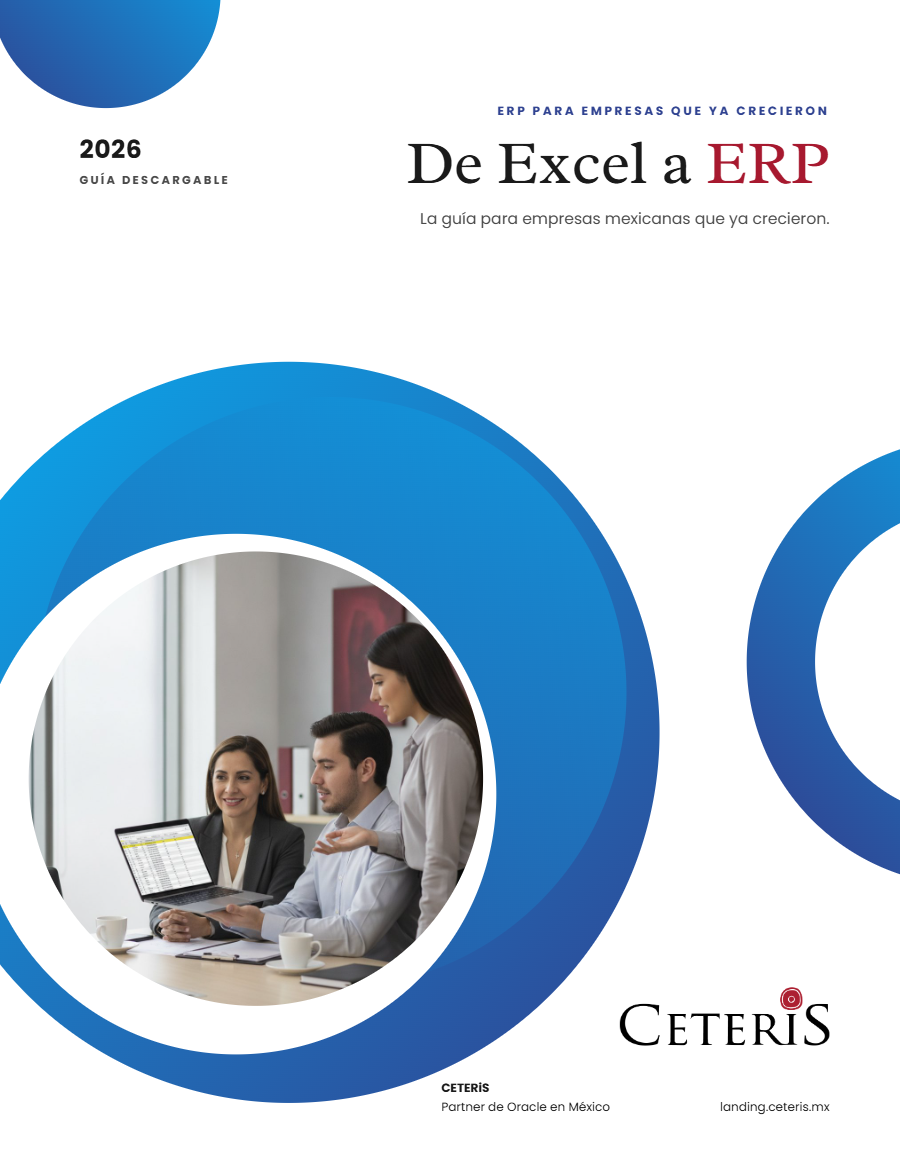
Free guide · 24 pages · In Spanish
From Excel to ERP: how to tell if it's time
What we'd tell you in a first assessment meeting, in writing: how to know whether you need an ERP, what it costs in estimated ranges and how to migrate without disrupting operations. Currently available in Spanish; English edition coming soon.
- The 7 signs you've outgrown spreadsheets
- What an ERP costs and what drives the price
- The 5 most expensive mistakes
- A checklist to decide whether it's time