Extending Oracle Without Replacing It
What you can build with Oracle APEX on top of your ERP
What Oracle APEX does for a company that already runs an Oracle ERP: migrate critical spreadsheets and cover what the standard doesn't include.
· 5 min read
Almost every company that already runs an Oracle ERP lives with the same contradiction: they paid for a world-class system and still depend on an Excel file to close some process. It isn't negligence. The standard doesn't cover that case, requesting a custom development looked expensive, and the spreadsheet worked.
Oracle APEX exists for that gap. This article explains what it is, what you can build with it and, just as important, when it is not the right tool.
What Oracle APEX is
APEX, short for Application Express, is the low-code development platform that lives inside the Oracle database. It is not a separate product you have to integrate: it runs where the data already is.
That has three practical consequences. There is no additional infrastructure to set up or pay for. Applications connect to the ERP's real data, not to a copy someone has to keep in sync. And they inherit the user and permission model the company already manages, instead of creating a new user registry that nobody maintains afterward.
Because it is low-code, much of the later maintenance can be handled by someone in the functional team. You don't need an in-house development team to change a field or add a validation.
The four jobs where it fits

1. Migrate the spreadsheet that holds up a critical process
This is the most common case and the most urgent, even though it almost never feels urgent. We're talking about the macro-driven file a calculation depends on, that only one person understands, that lives on that person's desktop, and that nobody dares touch.
The risk isn't that the file is wrong. The risk is that it has no access control, no history of who changed what, and no backup. When that person goes on vacation, the process stops. When they leave the company, it stops for longer.
Turning it into an APEX application gives you users, permissions, change history and backup, and connects it to ERP data instead of a manual export.
2. Build what a global ERP doesn't include
Oracle is a world-class ERP, and precisely for that reason it doesn't include everything that is mandatory in Mexico but doesn't exist elsewhere in the world.
The clearest example is screening against the SAT blacklists. If a company invoices a taxpayer published under Article 69-B of the Federal Tax Code (blacklisted suppliers), it ends up in a problem it didn't create. Oracle's standard doesn't query that list because it is a local requirement. With APEX you build the engine that, when a customer or supplier is entered, checks the list and returns a yes or a no before the record moves forward. The control sits inside the flow, not in a manual review someone has to remember to do.
It is also what CETERiS uses to build its tax add-ons: APEX takes the transaction from Oracle Cloud or E-Business Suite, assembles the file, sends it to the PAC (authorized certification provider for e-invoices) and receives the stamped XML and PDF back.
3. Extend the ERP without compromising it
When you need a screen, an approval flow or a report the standard doesn't provide, there are two paths: customize the ERP or build a connected satellite.
Customization is paid for later. Oracle Fusion Cloud receives quarterly updates, and every deep customization is a point that must be reviewed in each of those updates. An APEX satellite connects from the outside and avoids that conflict.
4. Automate document classification
A real case: a company made most of its trips through an agency, which sent it a single consolidated invoice with the breakdown of all the expenses. What finance needed was to know which cost center each line item belonged to, because the operations director's spending is not the same as the sales team's.
The development reads the document, classifies it and distributes each line item within the ERP. Accounts payable sees the destination of each expense without entering it by hand.
When APEX is not the answer
It is worth saying because it saves meetings. APEX is the right tool when the problem has to do with the Oracle ERP and the data that already lives there.
It is not the answer for a business application that doesn't touch Oracle, for a consumer-facing mobile app, or for replacing a commercial product that already solves the case better and more cheaply. When someone comes to us with one of those, we say so on the first call.
Nor is it an application factory. The useful question before building anything is not whether it can be programmed, but what it will cost to maintain three years from now.
On the APEX community in Mexico
At CETERiS we develop with Oracle APEX, backed by Oracle's Cloud Native Applications Expertise. And we practice what we preach: our own internal system is built on it.

We mention it for a practical reason, not as a trophy. In a technology with few local specialists, the question that matters most before hiring is who will sustain it when the project ends.
Where to start
With an uncomfortable question: which process at your company depends today on an Excel file that only one person understands?
If the answer comes quickly, that is your first candidate. If none comes, APEX probably isn't what you need right now, and that is also good to know.
Sources
How we can help
Facing something similar?
Tell us which system you run and what it can't do for you today. The first conversation is about understanding your situation.
Request an assessmentMore posts


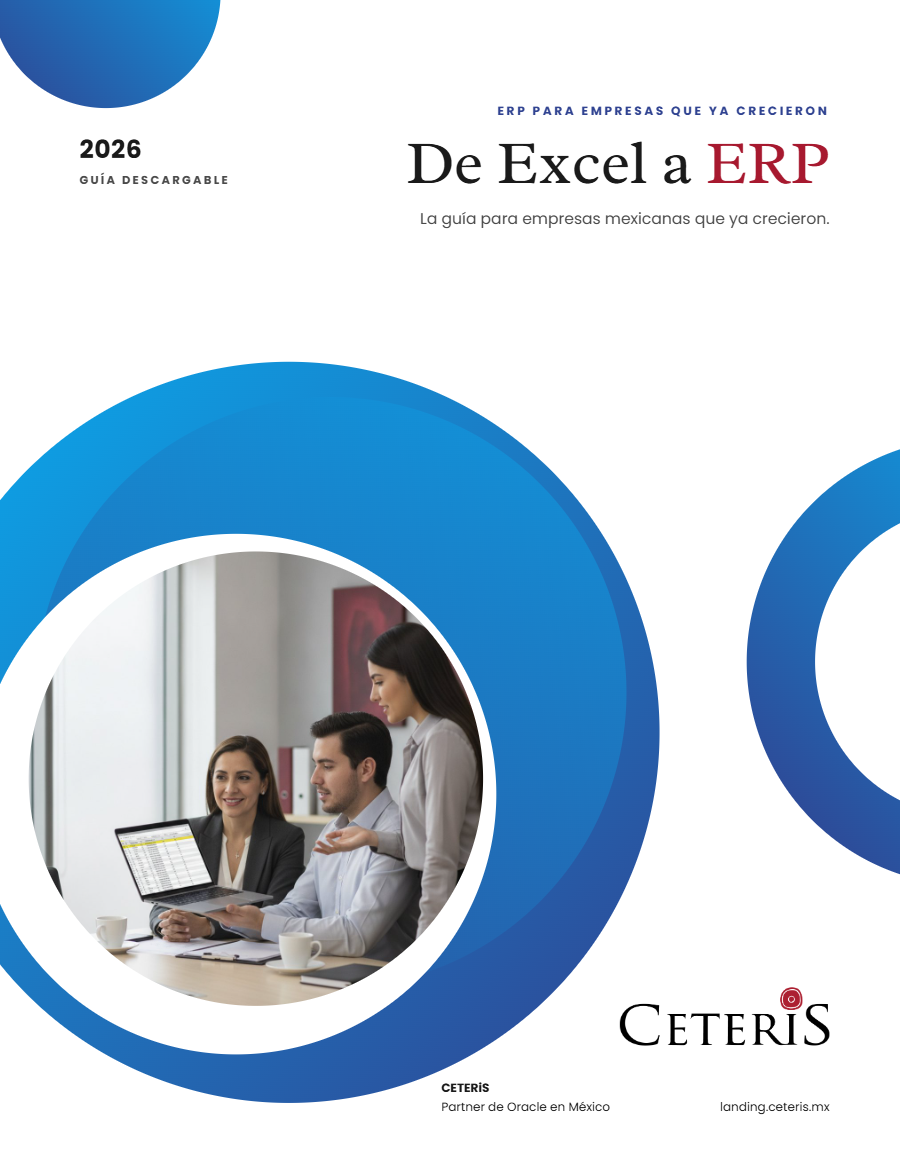
Free guide · 24 pages · In Spanish
From Excel to ERP: how to tell if it's time
What we'd tell you in a first assessment meeting, in writing: how to know whether you need an ERP, what it costs in estimated ranges and how to migrate without disrupting operations. Currently available in Spanish; English edition coming soon.
- The 7 signs you've outgrown spreadsheets
- What an ERP costs and what drives the price
- The 5 most expensive mistakes
- A checklist to decide whether it's time