Extending Oracle Without Replacing It
Oracle APEX or traditional development: when each one fits
APEX is custom development on Oracle: extend a cloud ERP or build your own applications, even without an Oracle ERP. Criteria for deciding.
· 6 min read
Sooner or later, your operation needs something no standard system ships with: an approval flow with your own rules, a control the auditors ask for, or a critical process that still lives in Excel. Sometimes it is an ERP extension; other times it is a full application, and some companies run their entire management on a system of their own. Choosing what to build it with looks like a technical decision, but it determines what it will cost to sustain, how exposed it will be to change, and who you will depend on to modify it.
There are three paths, and none is right in the abstract. These are the criteria for choosing based on your situation.
Three ways to build what the standard doesn't include
- Oracle APEX: low-code custom development on Oracle Database. It extends an ERP without touching its core (with E-Business Suite it works alongside the ERP's data; with Fusion Cloud it connects through the official REST services and the same sign-in) and it also builds standalone applications, even if the company has no Oracle ERP.
- Traditional development: an application coded in the technology you choose (your IT team's or a vendor's), with its own infrastructure and its own connections to the ERP, if it needs any.
- Customizing the ERP: in E-Business Suite, modifying the system itself; in Fusion Cloud, extending it with fields, rules or screens inside the application. Either way, what you add lives alongside the standard and has to be looked after at every update.
The real difference isn't the technology. It's where the code lives and who carries it afterward. That question organizes everything else.
When Oracle APEX fits
APEX fits two scenarios: extending an ERP without modifying its core, and building your own business applications, with or without an Oracle ERP. These signs point to it.
- The ERP doesn't cover it and shouldn't be modified. Especially in the cloud, where the core is off limits: the application is built outside and reads from and writes to the real source through official channels, with no copies for anyone to keep in sync.
- It's a business process. Approvals, reconciliations, validations before a record is created, data capture that is done in spreadsheets today.
- The users are identified. Your own staff, suppliers or customers with controlled access, each with defined roles and permissions.
- Changes will be frequent. Every time a policy, a tax rule or the way you close the month changes, the application has to change with it. On a low-code platform, adjusting a field or a validation is usually a tweak, not a new project.
- You need a system of your own. Some companies, instead of a commercial ERP, run their management on an application built to their specifications in APEX. It makes sense when the process is highly specific to the business and the company decides to own its system.
For leadership, the benefit is control. With EBS, APEX shares the ERP's database, so backups, access and auditing are managed once. With Fusion Cloud, it connects through the official APIs and can use the same security roles as the ERP, without touching its base code. In both cases the ERP remains the single source of information. And when the application is standalone, data, security and auditing are managed in the same database.
A common case in Mexico is tax compliance: CFDI (Mexican e-invoice) stamping, credit notes and payment complements built in APEX on top of the ERP. In one of the cases published on our site, that solution went into production in seven weeks.
On cost: Oracle includes APEX at no additional cost in all supported editions of Oracle Database. Those without Oracle Database can run APEX on Oracle Cloud, with consumption-based pricing. In both cases, what you pay for is building and maintaining the application, not a separate APEX license. At CETERiS, Oracle has granted us the Cloud Native Applications on Oracle Cloud Oracle Expertise in Mexico, the specialization that underpins our APEX work.
When traditional development fits
There are cases where APEX is not the right tool, and saying so early saves months.
- It's a native, consumer-facing mobile app. An application distributed through app stores has its own design and scaling demands.
- The experience requirements are very specific. Interactions, animations or a visual identity that must look exactly as a design team defined it.
It is also the right path if your company already has an established development team and platform, and the project resembles others they already maintain. That reduces risk, and it is a legitimate criterion.
If that development needs ERP data, define from the start how the two connect: what is queried, with what permissions, and who responds when the integration fails.
Why customizing the ERP usually gets expensive later
It's the most tempting option because it seems the shortest: the system is already there, you only have to change one thing. The cost doesn't show up when you build it. It shows up afterward.
Oracle Fusion Cloud is updated every quarter, and every extension is a point that has to be retested at each update. The further you move from the standard, the more of your time shifts from using the system to maintaining what you added to it.
The same happens in E-Business Suite: what was modified inside the standard is what weighs the most when a patch or a migration arrives.
Support changes too. When something fails, you have to determine whether the cause is the product or the modification, and that conversation is slower when the system no longer behaves like the standard.
This doesn't mean you should never configure. Configuring with the options the ERP itself offers is different from modifying its base logic. The practical rule: configure what the standard allows and build outside what it doesn't.
What to ask before you decide
Whichever option you pick, these four questions are worth more than any technology comparison.
1. Who will maintain it three years from now?
Not who builds it: who maintains it once the project ends. Check whether that person or team exists today, at your company or your vendor, and whether the chosen technology is one they can easily hire for.
An application only its builder understands is the same old Excel sheet, with a different file extension.
2. What is the total cost, not just the cost to build it?
Add up construction, infrastructure, licenses, support and the effort of reviewing it at every ERP update. Ask for the three-year figure, not the first deliverable's. Two options with the same build price can cost very different amounts afterward.
3. How are security and permissions handled?
Define who can view, enter and approve, and where that is managed. If the application creates its own user registry, someone has to keep it current when people change roles or leave the company.
4. Where does the data live?
If the application keeps a copy of ERP data, it has to be synchronized, and every synchronization is a place where the numbers can stop matching. Ask which data stays in Oracle, which is copied, and why. In an audit or a reconciliation, that answer matters.
Where to start
Take the process you are missing today and answer the four questions for each path. If one option answers all four well, you have your decision. If none does, the scope is still too open and it's worth narrowing before you build.
At CETERiS, we review your case with you: what you need, where the data lives, and which of the three paths costs you the least to maintain. If the answer is that APEX isn't what you need, we'll tell you that too.
Sources
How we can help
Facing something similar?
Tell us which system you run and what it can't do for you today. The first conversation is about understanding your situation.
Request an assessment
Free guide · 24 pages · In Spanish
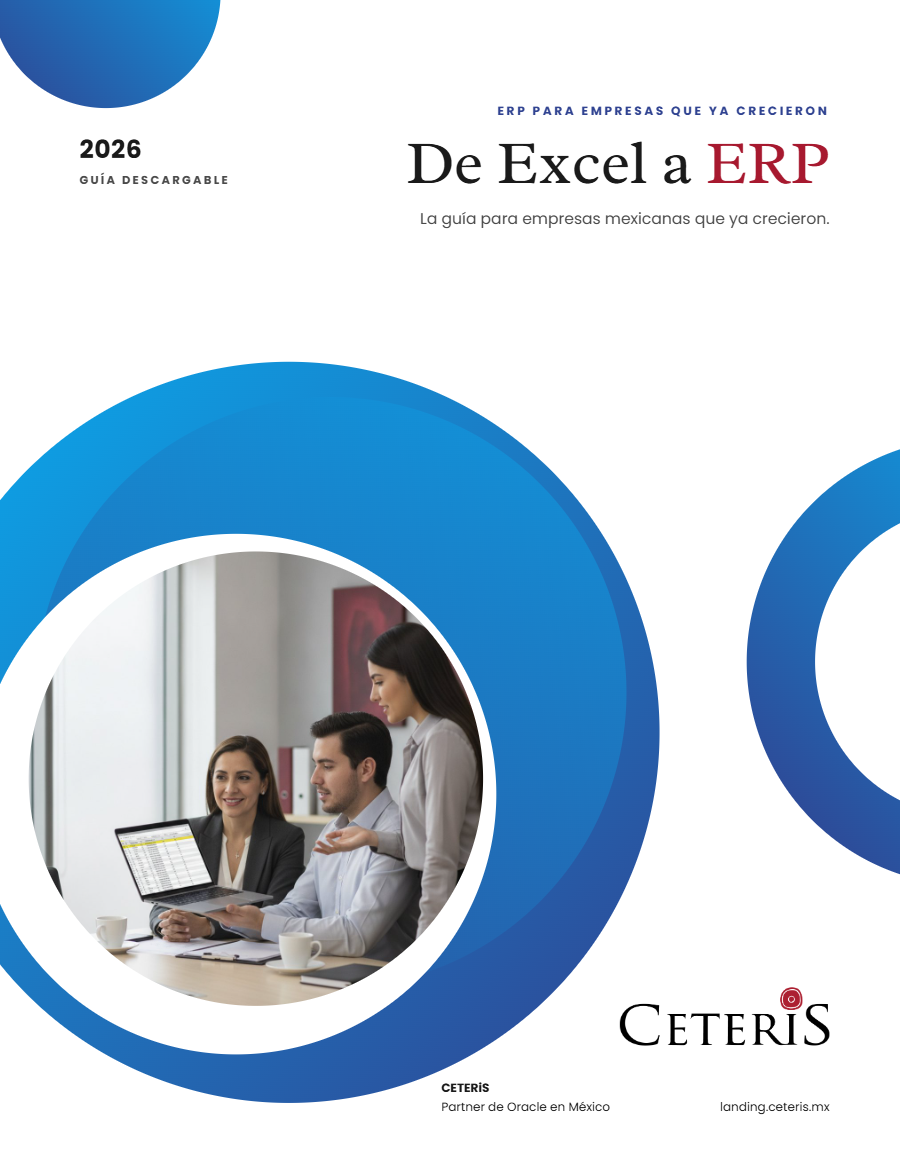
From Excel to ERP: how to tell if it's time
What we'd tell you in a first assessment meeting, in writing: how to know whether you need an ERP, what it costs in estimated ranges and how to migrate without disrupting operations. Currently available in Spanish; English edition coming soon.
- The 7 signs you've outgrown spreadsheets
- What an ERP costs and what drives the price
- The 5 most expensive mistakes
- A checklist to decide whether it's time