Oracle Fusion Cloud and Redwood
What Oracle SCM is and how it integrates with Oracle Fusion Cloud
What Oracle SCM is, which supply chain processes it covers and how it connects to the financial ERP within Oracle Fusion Cloud.
· 5 min read
When a company already has Oracle Fusion Cloud, the conversation about SCM almost always comes late. Finance was turned on, the month closed with less friction, and that was the end of it. The supply chain still lives in spreadsheets, in the warehouse system or in the purchasing manager's head.
This article explains what Oracle SCM is, which processes it covers and how it connects to the financial ERP you already have.
The question is not a minor one. A company that has already invested in Oracle Fusion Cloud is often paying for supply chain capabilities it isn't using, capabilities that would solve exactly the kind of manual reconciliation that eats hours at month-end close today.
What Oracle SCM is and which processes it covers
SCM stands for Supply Chain Management. Within Oracle Fusion Cloud, it is the family of applications that covers everything that happens between identifying a need for material and delivering the finished product: planning, inventory, procurement, manufacturing and logistics.
It is not a single module. It is a set of applications that can be turned on separately depending on what the operation needs today.
- Demand and supply planning, to decide how much to produce or buy and when. Planning includes order promising (Global Order Promising), dynamic min-max levels, safety stock and Replenishment Planning, which calculates policies by item and location.
- Inventory management, to know what you have, where it is and at what cost.
- Procurement, the purchasing process: quoting, ordering and receiving from suppliers.
- Manufacturing, to schedule and track production.
- Logistics, to move product between plants, warehouses and customers.
How it connects with the financial ERP and with EBS
The reason to have SCM and the financial ERP on the same platform is not cosmetic. Every inventory movement, every purchase order and every manufacturing step has an accounting side: a cost comes in, a liability is created, a cost center is affected.
When SCM and finance live in the same Oracle Fusion Cloud, that accounting impact happens automatically, with the same chart of accounts and without exporting anything by hand. When SCM lives separately, someone has to reconcile two systems every month, and that manual work is exactly the kind of process an ERP assessment often finds behind a slow close.
For companies that run on Oracle E-Business Suite today, SCM Cloud can also coexist with the on-premises financial ERP while the rest of the migration is decided. This is not a general rule; it is one of the possible paths, and it depends on how tightly purchasing and manufacturing processes are integrated with accounting today.
Which industries it matters most for
The more physical the operation, the more weight SCM carries. Manufacturing, distribution and logistics are the cases where the module pays for itself fastest, because inventory and planning are the business there, not a support process.
In service companies, or where the operation is mostly financial, SCM usually stays in the background, and the ERP is turned on only for its accounting side. There is nothing wrong with that: turning on a module the operation doesn't need is expense, not efficiency.
There is a common middle ground: companies that don't manufacture but do distribute, import or hold their own inventory even though their main business is commercial. There the question is not whether SCM applies, but which of its pieces, usually inventory and procurement, without needing to turn on full manufacturing or logistics if the operation doesn't require them.
What happens if you already use another inventory or purchasing system
It is common for a company with Oracle Fusion Cloud to have inventory or purchasing handled in another system, in-house or from a third party, and for that system to work reasonably well. In that case, the question is not whether to migrate to SCM but whether it makes sense, and the answer depends on how much it costs the company today to maintain that integration between two separate platforms.
Turning on SCM over a system that already works makes sense when the current integration is fragile, when it changes vendors often, or when the cost of maintaining it already exceeds the cost of consolidating everything in the ERP. It doesn't make sense when the current system is stable, integrates well and nobody in finance or operations is losing time because it is separate.
The transition, when it applies, doesn't have to be total from day one. You can turn on first the module with the most friction today, for example procurement or inventory, and leave the rest for a second phase once the first is stable.
What to ask before turning it on
Before deciding whether to turn on SCM, it is worth answering three questions with data, not intuition.
- How much of the team's time goes today into reconciling inventory or purchasing between separate systems?
- How often do inventory cost figures change between what the warehouse reports and what finance sees?
- Which planning or manufacturing processes still depend on a spreadsheet that only one person knows how to operate?
If the answers point to hours lost every month-end close, SCM has probably already paid for itself before being turned on. If not, the financial ERP can keep carrying that part of the operation for a while longer.
Tell us which modules of your Oracle Fusion Cloud are active today and which part of the supply chain is still outside the system. With that, we can discuss whether SCM applies to your case and in what order it makes sense to turn it on.
How we can help
Facing something similar?
Tell us which system you run and what it can't do for you today. The first conversation is about understanding your situation.
Request an assessmentMore posts

Inventory and warehouse management in Oracle SCM: from book stock to real visibility
Procurement in Oracle Cloud: what it solves and how it connects to your financial ERP
Oracle Fusion Cloud modules that almost no one uses to their full potential
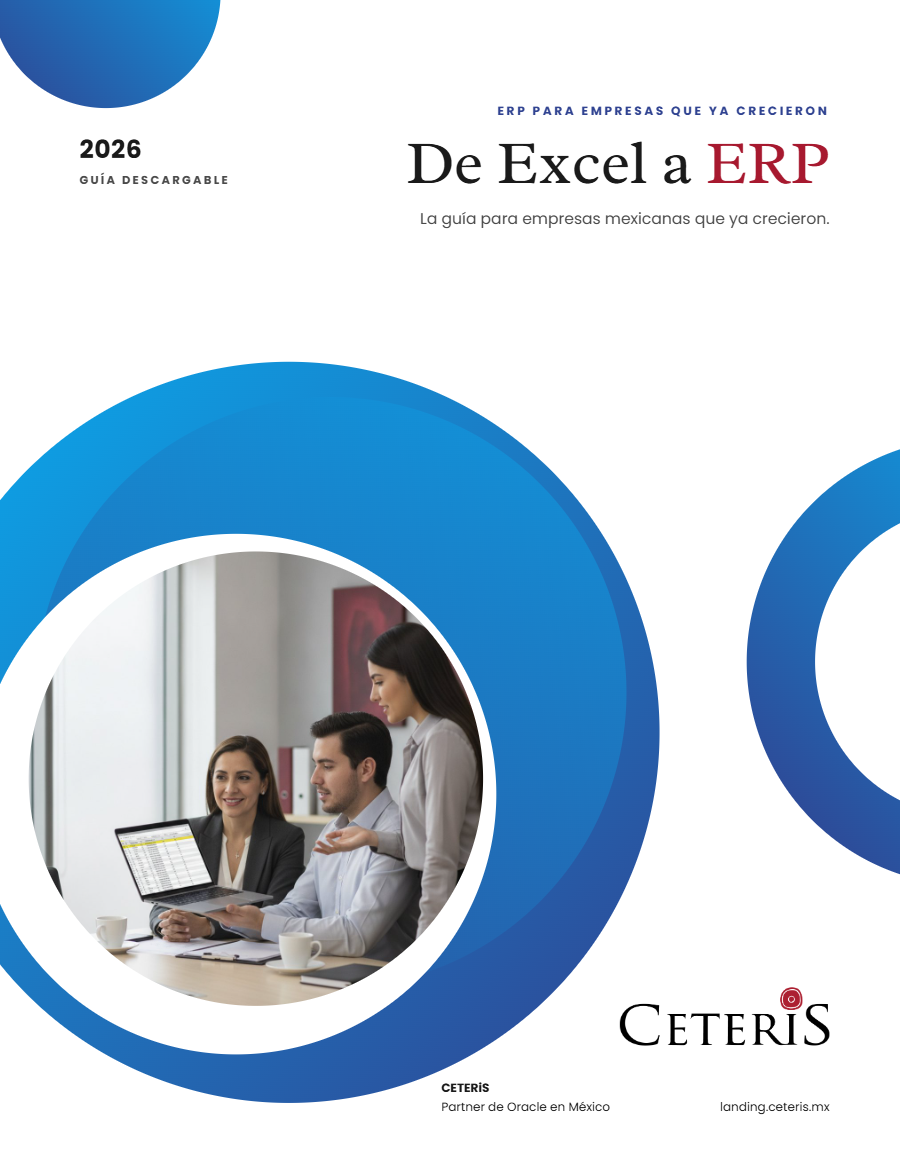
Free guide · 24 pages · In Spanish
From Excel to ERP: how to tell if it's time
What we'd tell you in a first assessment meeting, in writing: how to know whether you need an ERP, what it costs in estimated ranges and how to migrate without disrupting operations. Currently available in Spanish; English edition coming soon.
- The 7 signs you've outgrown spreadsheets
- What an ERP costs and what drives the price
- The 5 most expensive mistakes
- A checklist to decide whether it's time