Oracle Fusion Cloud and Redwood
Inventory and warehouse management in Oracle SCM: from book stock to real visibility
What Oracle Inventory Management does, how warehouses, lots and counts are structured, and how inventory is reconciled with accounting.
· 4 min read
Almost every company with inventory lives with two numbers. One is what the system says, and the other is what the warehouse counts. As long as the gap is small, nobody chases it, but it becomes expensive at close, during an audit, or when an order can't be filled because what was “there” wasn't.
Oracle Inventory Management, part of Oracle Fusion Cloud SCM, is designed so those two numbers are the same. This article explains what it covers, how a warehouse is organized inside the system, and what happens to the value of inventory in accounting. It covers inventory; the full supply chain is explained in another article on this blog.
What Inventory Management covers
According to Oracle's documentation, the functionality lets you handle warehouse activities such as replenishing inventory, counting stock (both cycle counting and physical inventory), moving material within the warehouse, and issuing material to manufacturing. It also supports consigned inventory.
The underlying idea is that every movement, whether receiving, moving, issuing or adjusting, is recorded as a transaction at the moment it happens. Stock on hand stops being a periodic data entry and becomes the result of those transactions.
Consigned inventory, which is supplier-owned material kept in your warehouse and billed to you only once you consume it, has its own rules. Oracle provides consumption rules that determine when ownership of that material changes, a detail that changes the inventory value finance reports.
How a warehouse is modeled
Oracle's configuration follows the physical shape of the operation. Implementation tasks include:
- Subinventories and locators: they divide a warehouse into areas and into specific places within them.
- Material statuses: they control which transactions are allowed with the material, and can be assigned by subinventory, locator, lot or serial number. A lot in quarantine, for example, should not be issuable.
- Lots: lot grades can be defined to describe quality, along with lot expiration actions that indicate what to do when a lot expires.
- Picking rules: criteria for selecting the material to pull and how to group picks into pick slips.
- ABC classification: groups of items by value, quantity or history, to decide where to apply the most control.
- Interorganization parameters: relationships and accounting data for moving material from one plant or warehouse to another.
You don't need to turn everything on. The documentation itself marks most of these tasks as conditional, meaning they are configured only if your operation needs them. A distributor without lots or expiration dates can ignore a good part of the list.
Counting without stopping operations
A full physical inventory usually means stopping or scaling back operations, which is why many companies do it once a year. Cycle counting spreads the work: certain items or locations are counted at set intervals, more often for those that are worth the most or move the most. ABC classification, which Oracle includes in the configuration, is a common way to decide that frequency.
What matters for finance is that both types of counts live in the same system as stock on hand and accounting. A difference found is adjusted with a transaction that leaves a trail, not with a correction in a spreadsheet.
From stock on hand to accounting value
This is what a CFO cares about most. Oracle Cost Management values inventory and feeds accounting. Its documentation includes reports to review and reconcile:
- Inventory value by item, by combination of cost organization and cost book.
- Inventory layers by receipt, when layered valuation (FIFO) is used.
- The value of work in process, which is reviewed at period close.
- Costing account balances, with a report that works as a trial balance for the cost subledger and helps reconcile it with the general ledger.
Oracle notes that, to see the most current valuation, the process that creates costing distributions must run frequently. It is one more scheduled task, and it is worth defining who monitors it.
The practical benefit is that the question “how much is the inventory worth?” has a single answer, which can be explained from the warehouse transaction all the way to the accounting entry. And the question “what do we have and where?” is answered with the same data, not one set for operations and another for finance.
What usually goes wrong
- The module is turned on but movements are still recorded “at the end of the day” or “when someone has time.” The system is only as accurate as the timeliness of its transactions.
- Locators are defined in too much detail. More locators mean more data entry, and not always more control.
- Reconciliation with accounting is left for close instead of being reviewed every period.
- Items are loaded with incomplete data: unit of measure, lot or serial control, accounting account.
What to ask before turning it on
- How many times a year does the physical count differ from the system, and by how much money?
- Which items require lot or serial control and which don't?
- Who records each movement, and when?
- Which costing method do you use today, and who maintains it?
If you run Oracle Fusion Cloud and inventory is still a spreadsheet or a separate system, tell us how material moves in your operation and we will review what to turn on first. At www.ceteris.mx/oracle-fusion/ you can find more about the platform, or you can schedule a conversation with our team.
Sources
How we can help
Facing something similar?
Tell us which system you run and what it can't do for you today. The first conversation is about understanding your situation.
Request an assessmentMore posts

Procurement in Oracle Cloud: what it solves and how it connects to your financial ERP
Oracle Fusion Cloud modules that almost no one uses to their full potential
Oracle Fusion Cloud ERP: what it includes and what size of company it's for
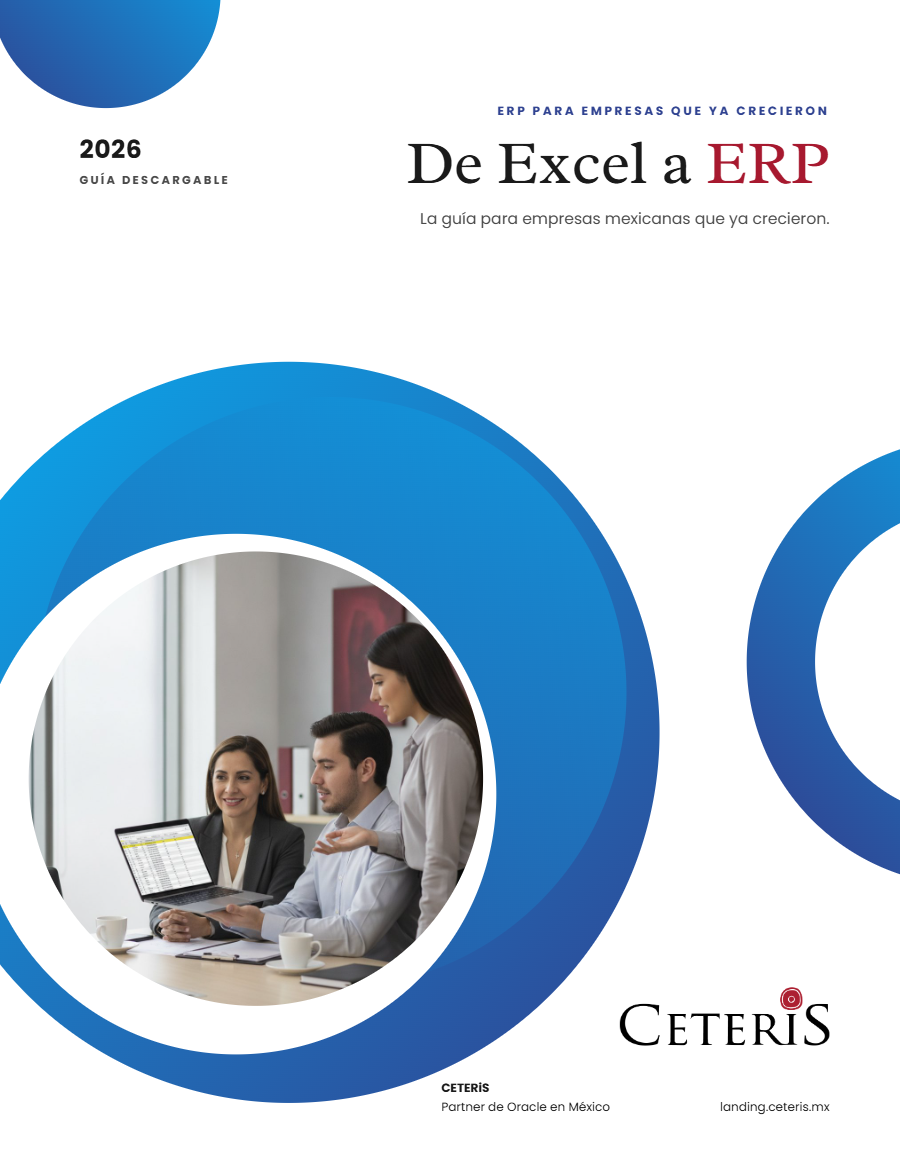
Free guide · 24 pages · In Spanish
From Excel to ERP: how to tell if it's time
What we'd tell you in a first assessment meeting, in writing: how to know whether you need an ERP, what it costs in estimated ranges and how to migrate without disrupting operations. Currently available in Spanish; English edition coming soon.
- The 7 signs you've outgrown spreadsheets
- What an ERP costs and what drives the price
- The 5 most expensive mistakes
- A checklist to decide whether it's time