Oracle Fusion Cloud and Redwood
Oracle Fusion Cloud ERP: what it includes and what size of company it's for
What Oracle Fusion Cloud ERP is, how it relates to EBS, which modules it includes and what size of company it is designed for. A guide for those who already have it.
· 4 min read
Oracle Fusion Cloud ERP is Oracle's cloud suite for finance, procurement, projects and supply chain. In this article we explain, for those who already run it or are about to, what it includes, how it relates to E-Business Suite and what size of company it is designed for.
What Fusion Cloud ERP is and how it relates to EBS
Fusion Cloud ERP is a different product from Oracle E-Business Suite (EBS), not a new version of the same one. EBS is installed on your own or contracted servers; Fusion Cloud ERP is a service that Oracle operates and updates quarterly, with a different architecture underneath.
Many companies that run Fusion Cloud ERP today got there by migrating from EBS, which is why the vocabulary gets mixed up: they still call it simply “Oracle,” as they did before. But for support, licensing and roadmap purposes, they are two products with different rules.
Other companies come to Fusion Cloud ERP directly, without having gone through EBS: they grew with another system, or with spreadsheets, and chose Fusion Cloud ERP from the start for the scale they needed. For them, the link to EBS is only a shared name, not a shared history, and it helps to be clear on that so as not to carry over expectations from a product they never used.
The modules it includes
Fusion Cloud ERP is organized into families of modules that are activated according to what the company has contracted. The ones that appear most often in Mexican implementations are these.
- Financials: general ledger, accounts payable and receivable, cash management, fixed assets and taxes.
- Procurement: sourcing, purchasing, supplier management and contracts.
- Project Management: project planning, cost control, billing and revenue recognition.
- Supply chain (SCM, for Supply Chain Management): inventory, planning and logistics, when the company contracted it as a separate module.
Each family contains functions that are activated separately. That detail is exactly what explains why two companies with the same license end up using the system very differently.
The system is updated in quarterly releases that Oracle rolls out to all customers equally, with new functions within these modules becoming available, though not always activated. That cadence is another difference from EBS, where the company decides when to apply each update.
What size of company it is designed for
Fusion Cloud ERP is built for operations with more than one legal entity, more than one country, or financial processes that need to consolidate information across business units. It is the next step up from NetSuite: when the complexity of the operation grows beyond what a single-stack ERP can clearly sustain.
If the operation is a single entity, with no need to consolidate across countries or units, the cost and complexity of Fusion Cloud ERP are rarely justified. There the conversation is usually about NetSuite, not this product.
In practice, the typical profile running Fusion Cloud ERP in Mexico is a company with several legal entities, plants in more than one state or a presence in more than one country, where consolidating figures across units by hand is no longer sustainable. That is the problem the product solves best: not so much one particular process, but the consolidated view of several processes at once.
How to activate what you already pay for and don't use
It is common for a company to contract a full block of licensing and end up using a fraction of what it includes. It happens mostly with Procurement and Project Management, which arrive as part of the package but get configured later, or never.
That is the case of Cenmex, which had run Fusion Cloud ERP since 2019 and didn't have its supply chain aligned to its real operation: many of the processes were handled outside the system, and the team had come to use the platform practically as a database, without tapping the functionality it had already paid for. They considered leaving the ERP altogether.
Instead of reimplementing from scratch, a quality review was carried out on those processes: identify which already-paid-for functionality wasn't being used well, compare against Oracle's standard functionality, and prioritize what to configure first. The company ended up renewing licenses and remediating the flow across all its plants, without a new implementation project.
The starting point wasn't to assume the system had been poorly chosen, but to check whether it was being well used. That question, before any other, is usually what saves the most expensive project.
Where to start
With a review of what your Fusion Cloud ERP license includes against what you have configured today. It is the most direct way to know whether the system is delivering what you already pay for, before considering any new project. In many cases, that exercise turns out to be enough on its own.
Tell us which modules you have contracted and which of them your team uses every day.
How we can help
Facing something similar?
Tell us which system you run and what it can't do for you today. The first conversation is about understanding your situation.
Request an assessmentMore posts
Inventory and warehouse management in Oracle SCM: from book stock to real visibility
Procurement in Oracle Cloud: what it solves and how it connects to your financial ERP
Oracle Fusion Cloud modules that almost no one uses to their full potential
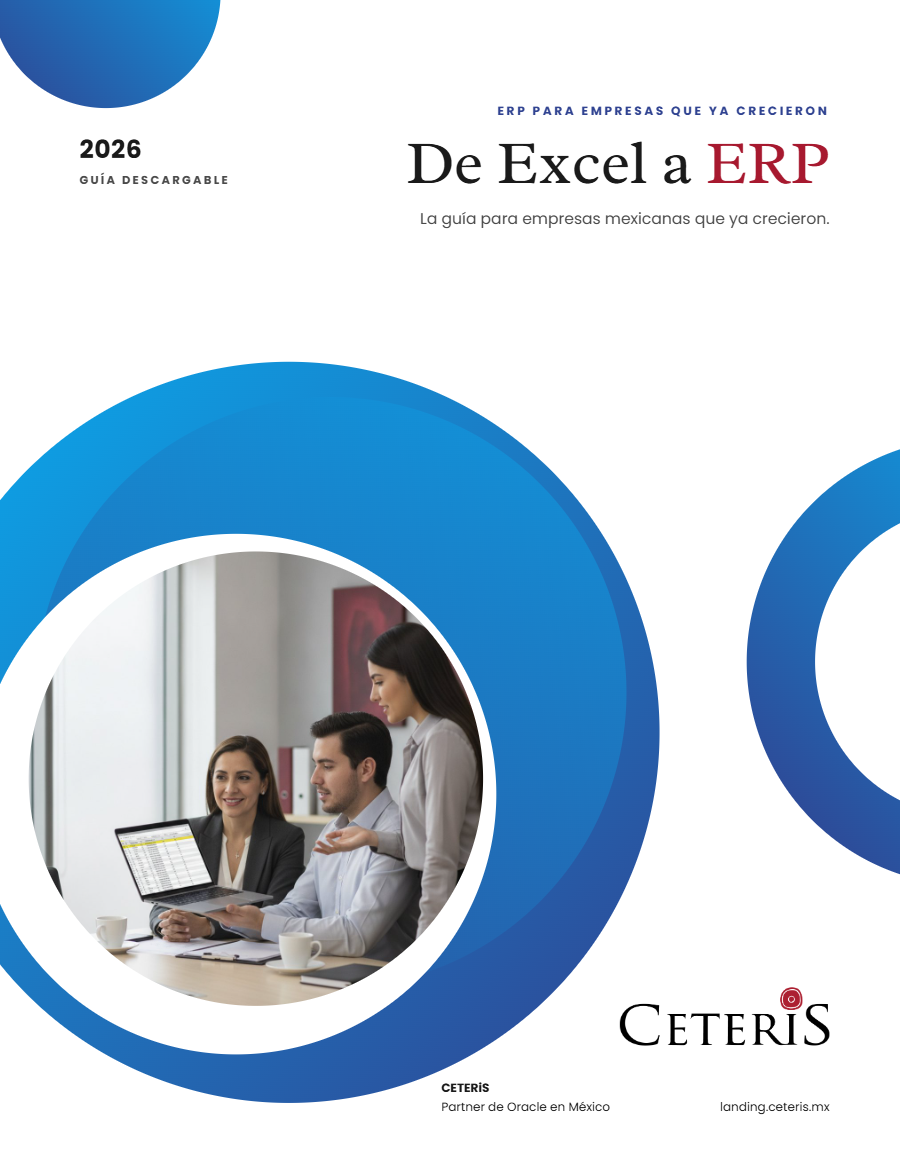
Free guide · 24 pages · In Spanish
From Excel to ERP: how to tell if it's time
What we'd tell you in a first assessment meeting, in writing: how to know whether you need an ERP, what it costs in estimated ranges and how to migrate without disrupting operations. Currently available in Spanish; English edition coming soon.
- The 7 signs you've outgrown spreadsheets
- What an ERP costs and what drives the price
- The 5 most expensive mistakes
- A checklist to decide whether it's time