E-Business Suite
OCI: moving your EBS infrastructure without changing your ERP
Oracle Cloud Infrastructure lets you move Oracle EBS to the cloud without changing ERP. What OCI is, what it really improves, and when to go further.
· 4 min read
"Moving to the cloud" sounds like a single move, but with Oracle EBS it is two separate decisions. One is where the server lives. The other is which ERP you use. They can be made independently, and they are almost never explained that way.
Oracle Cloud Infrastructure, OCI, answers the first question. It is Oracle's public cloud for compute, storage, and databases, and it lets you move your EBS infrastructure there without touching the ERP you already have.
The confusion between the two decisions is no accident. For years, "migrating to the cloud" meant changing systems, because the first cloud ERPs arrived as new products, not as an infrastructure option for the one you already had. With EBS that no longer applies: you can move the server without touching a single screen of the system.
What OCI is and how it differs from migrating the ERP
OCI replaces your own server or your contracted data center. The database, storage, and compute move to Oracle's infrastructure, while EBS stays EBS: the same screens, the same customizations, the same integrations.
Migrating to Oracle Fusion Cloud is something else entirely: it means changing products, with a different architecture and a different way of working inside the system. Confusing the two moves leads you to overestimate the effort of moving infrastructure, or underestimate the effort of changing ERP.
That confusion has a concrete cost: projects that stall because someone thought "moving to the cloud" meant retraining the whole team, when it was really just a matter of changing where the server lives.
Why moving only the infrastructure reduces risk
A migration to another ERP touches processes, data, and users at the same time. Moving infrastructure to OCI touches only one component: where the system runs. That reduces the number of things that can go wrong in a single project, which is why Oracle documents specific paths for doing it, with backup and provisioning processes already defined for EBS.
In practice, it is the right step for a company that wants to leave its own server behind but doesn't yet have a business reason to reimplement the entire ERP.
What the move looks like in practice
Oracle documents two ways to make the move. The first backs up your existing EBS environment to OCI storage and, from there, provisions the new environment in the cloud. The second creates a standby environment inside OCI while the original keeps running, and only at the end is that standby environment promoted to be the final one, to reduce the time the system is out of service.
In both cases, the work is concentrated on infrastructure: databases, storage, networks. With careful planning, end users barely notice the change beyond a scheduled maintenance window.
What really improves
Three things tend to improve when EBS infrastructure moves to OCI, and none of them depends on changing the ERP.
- Infrastructure operations: backups, scaling, and continuity are handled by defined processes, instead of depending on a small internal team.
- The cost of maintaining your own servers sized for peak operation, which almost always run far below capacity the rest of the year.
- Speed in standing up test or backup environments, without waiting for new hardware to arrive.
What doesn't change is the functional work: reports, customizations, and tax localization remain the responsibility of whoever operates EBS, wherever the server is. Moving infrastructure doesn't fix a poorly configured process or an undocumented customization; it only takes the burden of maintaining your own servers out of the way.
That distinction matters because people sometimes expect something from OCI that isn't its job. If a company's problem is that no one on the team can explain how part of the system works, moving the server doesn't change that. The same support and documentation work that would apply on-premises is what solves it.
When to take the full step to Oracle Fusion Cloud
Moving infrastructure is not a substitute for migrating when the reason to change is about the business, not the infrastructure. If the company is growing into several countries, consolidating business units, or needs capabilities that EBS will no longer receive, the conversation is about Oracle Fusion Cloud, not about where the server lives.
The difference matters because it changes the project entirely: moving infrastructure is planned in weeks; reimplementing an ERP is planned in months, with processes that get redefined and users who get retrained.
Many companies solve this in two steps, not one. First they move infrastructure to OCI to stop investing in their own servers and buy time. Then, with that infrastructure pressure resolved, they calmly evaluate whether migrating to Oracle Fusion Cloud makes sense for their business, instead of deciding under the urgency of a server that is about to lose support.
Where to start
By reviewing the current state of your EBS infrastructure: the age of the hardware, the cost of maintaining it, and how often it falls short at a peak in operations. With that you can compare the real cost of staying where you are against the cost of moving to OCI.
Tell us where your EBS lives today, how often it falls short at an operating peak, and what is costing you the most to sustain that infrastructure.
How we can help
Facing something similar?
Tell us which system you run and what it can't do for you today. The first conversation is about understanding your situation.
Request an assessment
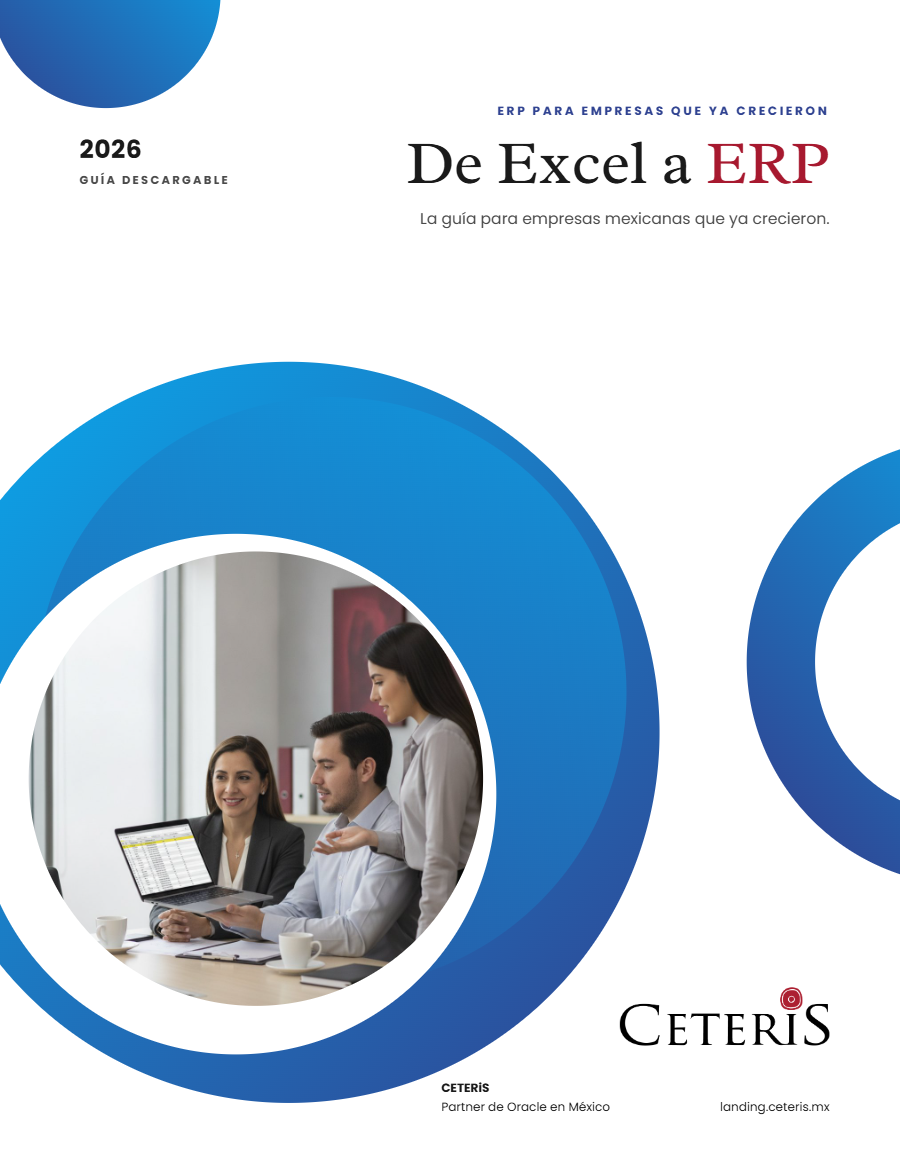
Free guide · 24 pages · In Spanish
From Excel to ERP: how to tell if it's time
What we'd tell you in a first assessment meeting, in writing: how to know whether you need an ERP, what it costs in estimated ranges and how to migrate without disrupting operations. Currently available in Spanish; English edition coming soon.
- The 7 signs you've outgrown spreadsheets
- What an ERP costs and what drives the price
- The 5 most expensive mistakes
- A checklist to decide whether it's time