E-Business Suite
Oracle E-Business Suite modules: what each one does and which are still current
A map of Oracle E-Business Suite 12.2 modules by family, which ones are obsolete, and which have their own support dates. Check yours.
· 5 min read
Oracle E-Business Suite isn't a single program; it's a set of modules that are switched on according to what each company needs. That's why two companies running EBS can operate very different systems, and why, when leadership asks which modules the operation depends on, the answer is rarely at hand.
That information matters more than it seems. Some modules are no longer offered in release 12.2, others have their own support date that arrives before the rest of the system's, and any decision about the future of EBS, from upgrading to migrating to the cloud, starts with knowing what is in use. This map groups the release 12.2 modules by family, explains what each one is for, and flags which ones need attention.
Financials
This is the most widely used family and the accounting core of the system.
- General Ledger: general accounting, with the chart of accounts, journal entries and financial statements.
- Payables: accounts payable, from the supplier invoice to payment, supported by Oracle Payments.
- Receivables: accounts receivable and customer invoicing, with collections and credit modules.
- Assets: fixed asset control and depreciation.
- Cash Management and Treasury: banks, reconciliation and treasury management.
- Subledger Accounting and E-Business Tax: the layer that translates each transaction into accounting entries and calculates taxes.
For Mexico and the rest of Latin America, EBS includes regional localization functions. In practice, companies usually supplement them to cover everything the tax authority requires, such as report formats and the SAT's (Mexico's tax authority) recent changes.
Procurement
- Purchasing: requisitions and purchase orders.
- iProcurement: self-service purchasing with catalogs for requesters.
- iSupplier Portal: the portal where suppliers check orders and invoices.
- Sourcing and Supplier Management: supplier negotiations and supplier data management.
- Services Procurement and Procurement Contracts: purchasing of services and purchase contracts.
Orders, inventory and logistics
- Order Management: entry and tracking of sales orders.
- Shipping Execution: shipping product against the order.
- Advanced Pricing: price lists, discounts and commercial rules.
- Inventory Management: stock by location and inventory movements.
Manufacturing and costing
EBS separates discrete manufacturing (parts and assemblies) from process manufacturing (formulas and batches):
- Bills of Material, Work in Process and Engineering: product structures, production orders and engineering changes.
- Cost Management: the cost of inventory and production.
- Quality and Shop Floor Management: quality and shop floor control.
- Flow Manufacturing and Electronic Kanban: repetitive and pull-based production.
- Process Manufacturing: planning, execution and quality for formula-based processes.
Assets and projects
- Enterprise Asset Management and Asset Tracking: maintenance and tracking of operating assets.
- Project Costing, Project Billing and Planning and Control: project costs, billing and control.
- Project Resource Management: assigning staff to projects.
How the modules connect to each other
EBS is sold by module but operated as a single system because the modules share master data and rules. A supplier is set up once and used by Purchasing and Payables. An inventory transaction or an invoice passes through Subledger Accounting and reaches General Ledger with the accounts the company defined.
This has a practical consequence: you can't evaluate a module in isolation. If you plan to stop using one, or move it to another platform, you first need to know which other modules feed it data or receive data from it, and which reports or reconciliations depend on that relationship.
It also explains why two companies with the same modules can have very different systems: configuration, customizations and integrations with other systems make the difference, and they are almost never documented in one place.
What is no longer current and what has its own date
A module appearing in a catalog doesn't mean it is still available. Among the products Oracle declared obsolete in release 12.2 are:
- Daily Business Intelligence, Balanced Scorecard and Embedded Data Warehouse, which are not offered with release 12.2.
- Global Accounting Engine, whose setup and data move to Subledger Accounting.
- Oracle Demand Planning and Oracle Manufacturing Scheduling, marked obsolete since 12.2.5.
- Several business intelligence products, such as Financials Intelligence, Procurement Intelligence or Projects Intelligence.
Those who use them on earlier releases keep the support defined by Oracle's policy, and a migration plan exists for several of them. If you use any of them, the time to resolve it is before upgrading, not after.
There are also products that are current in 12.2 but have their own Premier Support date, earlier than the rest of the system's. Supply chain planning products and Demantra, including MRP, demand planning and inventory optimization, end Premier Support in December 2026. Sales and Marketing products end in December 2027. If your operation depends on any of them, that is the calendar to address first.
And the release matters more than the module
Premier Support for 12.2 runs through at least 2037 and covers the current modules of that release. Release 12.1, on the other hand, has been in Sustaining Support since 2022: it no longer receives new patches or tax updates. That's why the first question about any module is which release it runs on.
How to find out what you use
- List the modules with transactions in the last twelve months, not the ones that are installed. An installed module with no use calls for no decisions.
- For each one, note who operates it and which process it supports.
- Mark which ones depend on in-house customizations or integrations with other systems.
- Compare the list against the obsolete products and those with their own support dates.
An inventory like this also serves any later decision: how much it costs to sustain the system, what can be simplified, and what makes sense to move to the cloud first. Without it, every proposal starts from assumptions.
At CETERiS we have worked with E-Business Suite since 2008 and support companies that run it today, in addition to Fusion Cloud ERP, NetSuite and APEX. If the path is moving EBS to the cloud, Oracle awarded us the Cloud Infrastructure and Platform Expertise. If you want a module inventory built around your operation, start with the EBS guide at www.ceteris.mx/guia-ebs/ (currently available in Spanish only) or schedule a conversation with our team.
How we can help
Facing something similar?
Tell us which system you run and what it can't do for you today. The first conversation is about understanding your situation.
Request an assessment
Free guide · 24 pages · In Spanish
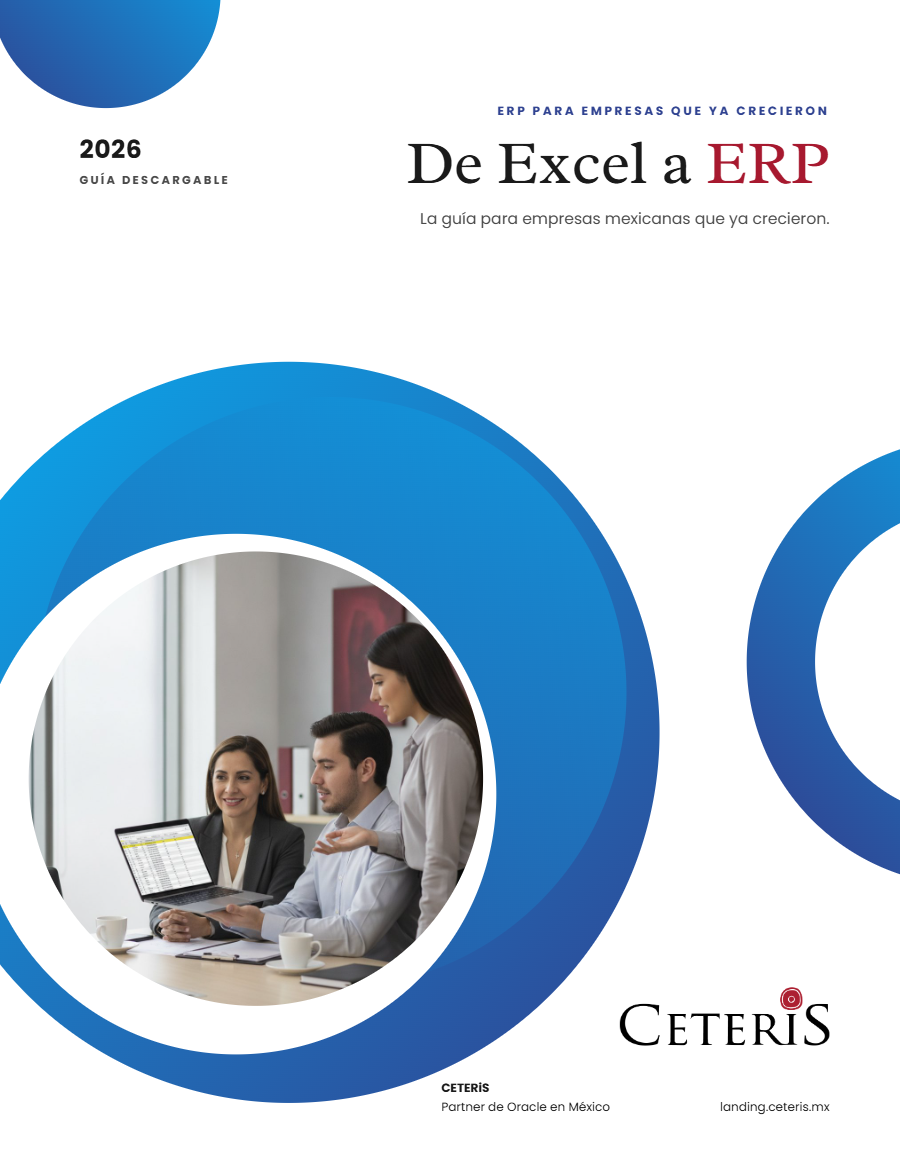
From Excel to ERP: how to tell if it's time
What we'd tell you in a first assessment meeting, in writing: how to know whether you need an ERP, what it costs in estimated ranges and how to migrate without disrupting operations. Currently available in Spanish; English edition coming soon.
- The 7 signs you've outgrown spreadsheets
- What an ERP costs and what drives the price
- The 5 most expensive mistakes
- A checklist to decide whether it's time