NetSuite and Choosing an ERP
What is an ERP and what is it used for?
What an ERP is, how it differs from running operations in Excel or in several disconnected systems, and when it makes sense to make the move.
· 4 min read
The month-end close takes a week longer than it should. Finance has one inventory figure and the warehouse has another. Someone spends Friday afternoon copying numbers from one system into an Excel file to build the report leadership asks for. None of these problems sounds like “I need an ERP.” They sound like something in operations is no longer enough.
An ERP, enterprise resource planning, is the software that connects those loose pieces. According to Oracle, an ERP is a system that manages a company's day-to-day activities, such as accounting, procurement, project management and supply chain, from a single integrated platform.
What an ERP does that Excel and disconnected systems don't
Excel is not the problem in itself. The problem appears when a company grows and ends up with half its operation in spreadsheets, another part in an invoicing system, another in inventory software that doesn't talk to accounting, and one person who reconciles everything by hand at the end of every month.
An ERP solves that with a single database. When sales records an order, that transaction is already available to inventory, to finance and to whoever builds the leadership report, without anyone having to enter it again. Oracle describes it as a company's central hub for end-to-end workflow and data, with different departments accessing the same information.
In practice, that changes two things. The first is time: a close that depended on collecting files from three people comes to depend on a report that already exists. The second is confidence in the number: when everyone sees the same data, they stop fighting over which version is the right one.
The modules almost every company ends up using
An ERP is not a single program; it is a set of modules that work on the same database. Not all of them apply to every company, but there is a core that almost any business of a certain size ends up using.
- Finance and accounting: the general ledger, accounts receivable and payable, and the month-end close.
- Procurement: purchase orders, suppliers and their cost control.
- Inventory and supply chain: what you have, where it is and how much it costs to move.
- Sales and invoicing: from order to invoice, without entering it twice.
- Financial reporting: the numbers from each module, consolidated in one place.
On top of that core there are modules you turn on depending on your line of business: manufacturing, e-commerce, project management. The right way to decide is not “which modules exist,” but “which part of my operation lives outside the system today, and why?”
When it makes sense to make the move (and when it doesn't)
Not every company needs an ERP today. A small business with a single legal entity, no complex inventory and few transactions can run well on simpler tools for a good while.
The signs that do justify evaluating one look alike across different companies: a month-end close that takes longer every time, two departments reporting different figures for the same thing, sales or branch growth that no longer fits in the spreadsheet, or an audit that reveals nobody knows for certain how much inventory there really is.
What doesn't justify the move is fashion. Buying an ERP because “it's time” without being clear on which process is breaking today usually ends in an expensive system that does the same thing as before, in more steps.
What “implementing” means in practice
A frequent question, especially from people who have never been through it, is what it actually involves to put an ERP into operation. It is not installing a program and training the team in an afternoon. It is a project with stages: understanding how the company operates today, deciding which modules and configuration it needs, migrating the data that already exists in the current systems, and supporting the team while it gets used to working differently.
The most underestimated stage is data. Migrating a duplicated customer list or an inventory history that nobody has reconciled in years is not a technical formality; it is loading the same mess into a more expensive system if nobody cleans it up first.
What to ask before evaluating one
Before sitting down with a vendor, it is worth answering a few questions internally. How much time is lost today reconciling information between systems. How many people enter the same data in more than one place. Which business decision is made with information nobody fully confirms. And how often two reports for the same period don't match.
Those answers aren't only for deciding whether an ERP makes sense. They help define the real scope of the project, instead of buying a catalog of modules that nobody ends up using.
You also don't have to solve everything at once. Many companies start by turning on the finance and procurement core, and add manufacturing or e-commerce modules later, as the operation requires. A well-planned project doesn't force you to buy all at once everything you might someday need.
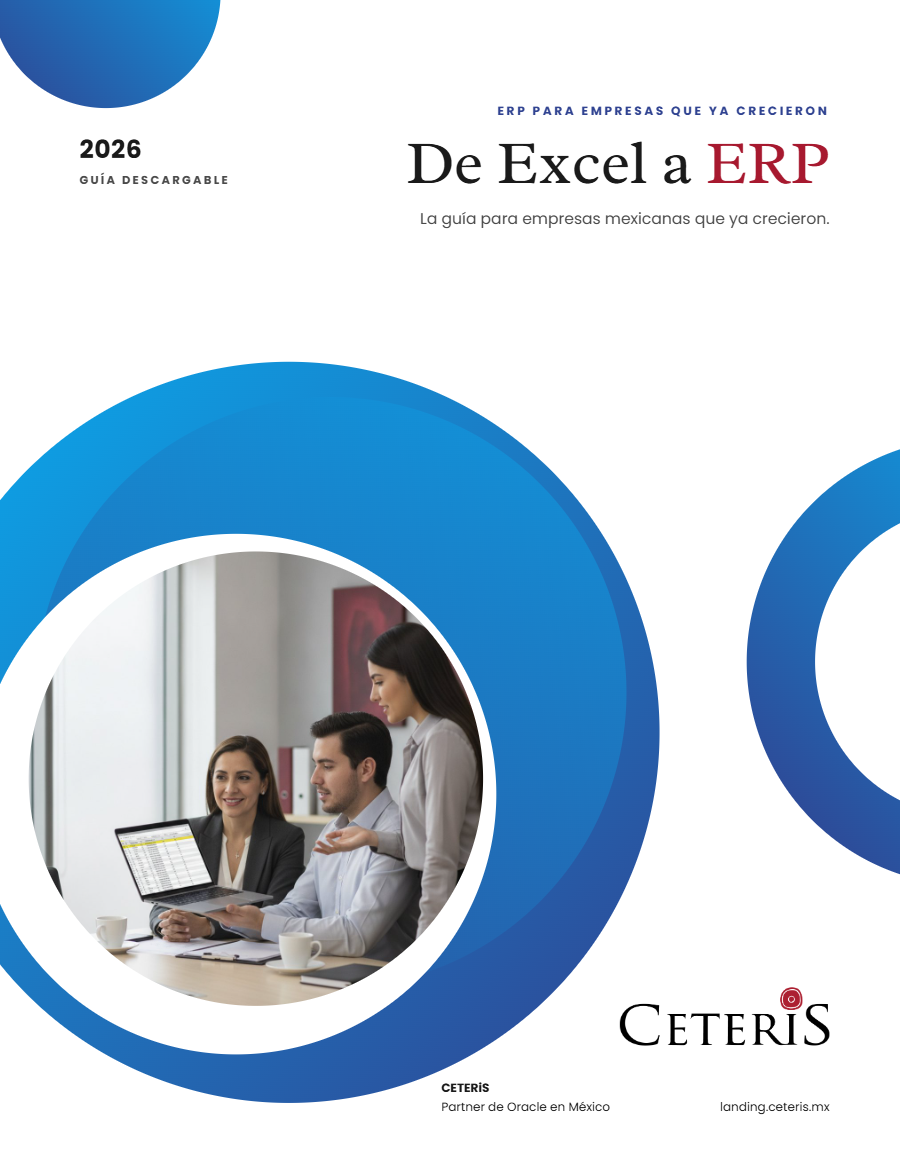
If those signs already sound familiar, the next step is not to request a quote for a system; it is to understand, in an orderly way, which part of the operation is really failing. The guide “De Excel a ERP” (available in Spanish for now) explains how to make that transition without carrying the same problems into the new tool.
How we can help
Facing something similar?
Tell us which system you run and what it can't do for you today. The first conversation is about understanding your situation.
Request an assessment
Free guide · 24 pages · In Spanish
From Excel to ERP: how to tell if it's time
What we'd tell you in a first assessment meeting, in writing: how to know whether you need an ERP, what it costs in estimated ranges and how to migrate without disrupting operations. Currently available in Spanish; English edition coming soon.
- The 7 signs you've outgrown spreadsheets
- What an ERP costs and what drives the price
- The 5 most expensive mistakes
- A checklist to decide whether it's time