NetSuite and Choosing an ERP
What is NetSuite and how does it work?
What Oracle NetSuite is, how its cloud licensing works, what size of company it is built for and how it differs from an on-premises ERP.
· 5 min read
The name almost always comes up the same way: someone mentions it in a meeting, or it shows up in a search next to “cloud ERP,” and the question of what it actually is lingers. NetSuite is an ERP, but not just any ERP, and understanding how it is built helps you decide whether it is the right tool for your company.
What Oracle NetSuite is and where it comes from
NetSuite is a cloud-based suite of enterprise resource planning applications. By its own description, it is an integrated business system with built-in artificial intelligence that brings financial management, supply chain, customer experience and other capabilities together on a single platform.
According to NetSuite, it was the first software company born as a cloud company. That origin matters because it explains a decision that still holds today: NetSuite never offered a version to install on your own servers. It was born in the cloud and has stayed there. Oracle acquired NetSuite in 2016, and the suite has since operated within Oracle's application portfolio, alongside Oracle Fusion Cloud, which is designed for operations of a different scale.
How it works: cloud, modules and licensing
NetSuite is a multi-tenant system. That means all customers run on the same version of the software and the same infrastructure, and receive automatic updates without having to plan a migration every time a new version is released. There is no “old” version and “new” version coexisting across different customers, as happens with on-premises systems.
Inside, NetSuite runs on a single database that connects finance, supply chain, manufacturing and e-commerce. When a sales order is recorded, that same data is available to inventory and to financial reporting, without anyone having to enter it again in another system.
The modules fall into three blocks: Financials (accounting, banking, budgeting, accounts payable and receivable, fixed assets), Trade and Logistics (sales, purchasing and inventory) and project management, which tracks costs and expenses by project, including purchases and travel expenses.
Licensing is built from three pieces: a base platform, the modules activated according to what the company needs, and the number of users who will operate the system. On top of the annual license comes the cost of implementation. NetSuite doesn't publish a fixed price list, because the cost depends on that specific combination for each company.
The piece the standard installation doesn't complete
NetSuite is a global product, designed to operate in different countries with different tax rules. For Mexico, Oracle offers a localization application (SuiteApp) that provides the CFDI (Mexican e-invoice) foundation. What that foundation doesn't include, such as the addenda each customer requires, and specific validations and reports, is added by a local partner with its own add-ons.
What size of company it is built for
NetSuite is aimed mainly at companies that have outgrown what Excel or a basic accounting system can support, but that don't yet need the complexity of an enterprise suite designed for operations with dozens of business units and complex consolidations across countries.
In practice it is the middle ground: companies with one or several legal entities, with inventory, with a need for consolidated financial reporting and with plans to grow in revenue, branches or countries, without yet having the scale of a multinational corporation.
How what you buy gets activated
NetSuite is easy to configure and use; what takes work is not the software, it is defining the process. Buying it doesn't mean it is up and running the same day. The subscription gives access to the platform and the chosen modules, but each company needs a configuration project to adapt those modules to the way it operates: product catalog, approval rules, accounting structure and the reports leadership needs to see.
That configuration project is, almost always, where it is decided whether the implementation goes well or stalls. A well-designed platform configured on top of a process nobody reviewed reproduces the same problem the company had before, just with a different interface.
How it differs from an on-premises ERP
An on-premises ERP, installed on your own servers, puts server maintenance, updates and security in the company's hands. With NetSuite the provider takes on that work, because infrastructure and updates are part of the service, not a separate task.
There is a flip side: since there is no on-premises version, the company depends on internet connectivity and on its operation adapting to the update pace the provider sets, instead of deciding when to update as it would with its own system.
The choice between the two isn't about which is better in the abstract, but about which model fits the real operation: how much of its own infrastructure the company wants to maintain, and how important it is to always run the same version of the system as the rest of the market.
There is a third model that sometimes enters the same conversation: an ERP hosted in a private data center but managed by a third party. There the company still owns its own instance of the software, with its own version and its own update calendar, even though the physical server isn't in its office. NetSuite, being multi-tenant, doesn't offer that variant: all customers share the same version of the system at all times.
If this leaves you wondering whether NetSuite fits your operation or whether your case calls for a different route, that is exactly the starting point of an assessment. In the meantime, the From Excel to ERP guide (available in Spanish) explains what to prepare before that conversation.
Sources
How we can help
Facing something similar?
Tell us which system you run and what it can't do for you today. The first conversation is about understanding your situation.
Request an assessment


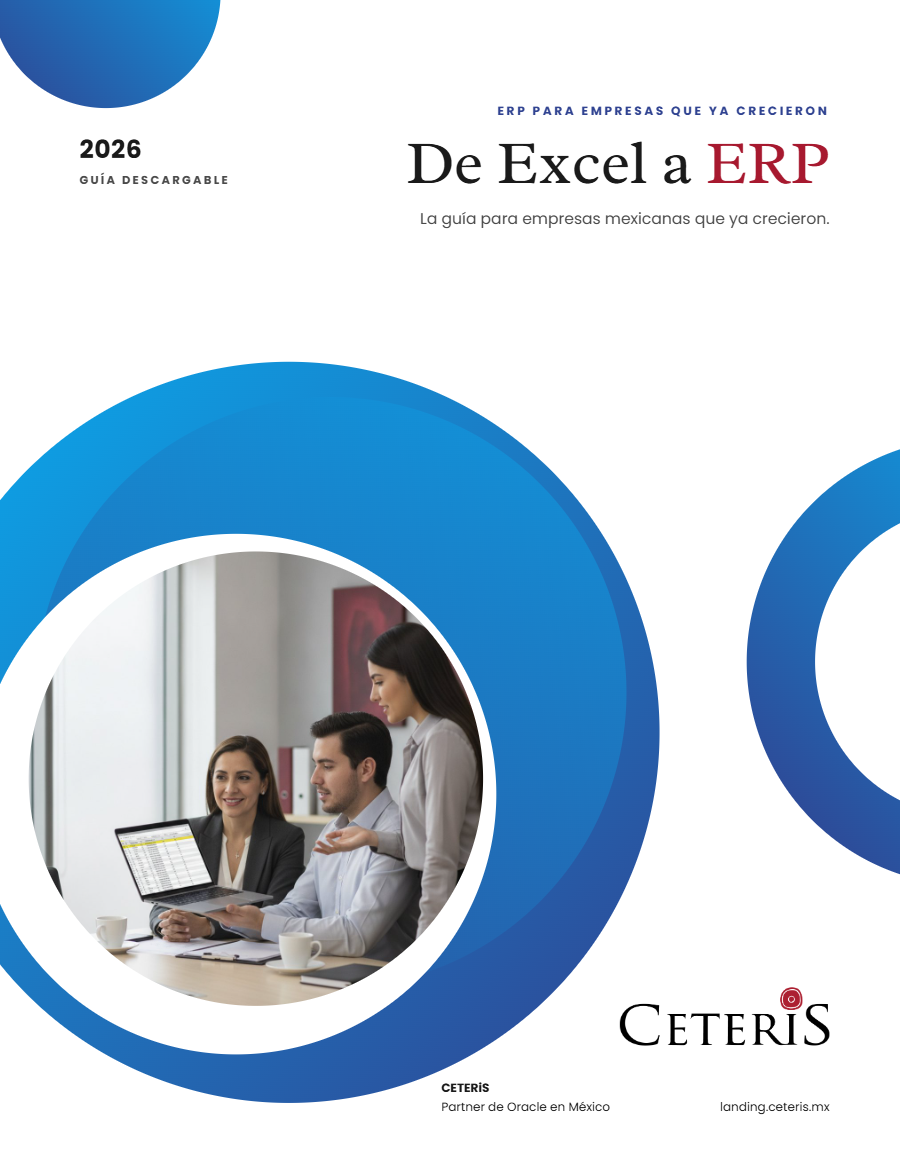
Free guide · 24 pages · In Spanish
From Excel to ERP: how to tell if it's time
What we'd tell you in a first assessment meeting, in writing: how to know whether you need an ERP, what it costs in estimated ranges and how to migrate without disrupting operations. Currently available in Spanish; English edition coming soon.
- The 7 signs you've outgrown spreadsheets
- What an ERP costs and what drives the price
- The 5 most expensive mistakes
- A checklist to decide whether it's time