NetSuite and Choosing an ERP
From accounting software to ERP: when to make the move and how to migrate without stopping operations
Four signs your accounting system has run out of room, and how to migrate to an ERP without missing a single day of invoicing, collections or tax filings.
· 5 min read
It is eleven at night on the last business day of the month. Invoicing has closed, but the report for leadership still depends on three Excel files, two people and an adjustment nobody can fully explain.
The accounting system did its job: it issued the CFDI (Mexican e-invoices) and kept the books. What it can no longer handle is everything that happens around it.
That is when many companies start talking about an ERP. It is also when they make the most mistakes: they decide with the pressure of the close bearing down, set the go-live date by the sales calendar, and find out on day one that they cannot stamp an invoice.
Two questions are worth answering before you request a single proposal: is it time, and how do you switch without the company missing a single day of invoicing, collections or tax filings?
Four signs the system has run out of room
- Manual adjustments grow every month. Allocating expenses, reclassifying costs, recognizing revenue the system doesn't calculate. Once that becomes routine, the business rule lives in someone's head instead of in the system.
- Every question from leadership turns into a project. Profitability by customer, product line or branch gets answered by building a new report from several sources, every time.
- Intercompany activity is reconciled by hand, and so are transactions in other currencies. The differences are explained away with a period-end adjustment.
- An outside event sets the date. An audit, a financing, an acquisition or a new legal entity calls for controls and information that are hard to show today.
If you recognize two or more of these in your close, the cost of not changing already exists; it just doesn't appear in any budget. Put a number on it: close hours, manual adjustments per month, and decisions waiting on a report. That is your business case, far more convincing to executive leadership than any list of features.
The go-live date is decided last
The most common mistake is fixing the go-live date at the start of the project and defending it at all costs. The date is confirmed when the data reconciles and the tests pass, not before.
The cleanest option is to go live at the start of a month, so that each period's trial balance and DIOT (Mexican VAT report on third-party transactions) come out complete from a single system. Going live with the fiscal year gives you closed annual balances, but it coincides with the year-end close; going live mid-year spreads the workload. In any case, stay away from peak season and the physical inventory count.
Migrating less is migrating better
What travels to the ERP is what the operation needs to work from day one: the cleaned-up chart of accounts mapped to the SAT (Mexico's tax authority) grouping code, opening balances, active customers and vendors without duplicates, open receivables and payables document by document, and inventory with its cost.
Everything else stays available for reference: prior years, customers with no activity, discontinued items. If nobody can justify what a piece of data is for in the new system, it doesn't get migrated. Every record that stays behind is one you don't have to clean, reconcile or explain.
Rehearse until it ties out
Before the real go-live you rehearse: load a copy of the data, compare, correct and repeat. First with a sample, then in full, and finally with users walking through their workday in the new system. That is where the problems no isolated test would reveal come to light.
After go-live, the parallel-run period should be short, because entering data in two systems doubles the work. And one rule admits no exceptions: every invoice is stamped from a single system.
Go-live is considered successful when the trial balance, customer and vendor balances, bank accounts and inventory match the previous system, and someone in finance signs off.
What the SAT won't wait for
On its first day in the ERP, the company has the same tax obligations as the day before. That is why the tax localization is designed from the start rather than left for the end:
- Stamping tested with a real invoice before go-live, with the certificate, series and folio numbers ready.
- Complete customer data for CFDI 4.0: name, tax regime and postal code of the tax address.
- Open credit invoices carried over with their tax folio (UUID), so the ERP can issue the payment complement when they are collected.
- Chart of accounts resubmitted to the SAT if migration adds general ledger accounts or first-level subaccounts.
- DIOT rehearsed with the first month's data.
If any of these fails, the cost shows up immediately: an invoice that doesn't go out, a collection that gets delayed, or a tax return assembled by hand.
The most underestimated piece
No system goes live well without a process owner: someone in finance with the authority to approve changes, time assigned to the project and the final say when two sources disagree. If that person is still carrying the entire close, the project competes with the close and loses.
The same goes for training: by role, using the company's own data and processes, before go-live and with at least two people who master each process.
NetSuite or Fusion Cloud?
For a growing mid-sized company, NetSuite is usually the starting point: it runs in the cloud, updates twice a year without losing your customizations and, with its OneWorld edition, handles multiple companies, currencies and languages with consolidation in a single system.
When the complexity lies in the structure, with several legal entities, more than one country, manufacturing, or financial processes that consolidate across business units, the right territory is Oracle Fusion Cloud ERP.
In both cases, migration and tax localization are part of the project from day one.
Before you request a proposal
Gather three things: the manual adjustment journal entries from your last close, which system issues each type of CFDI and who operates it, and the name of the person who will own the process. With that, any proposal starts from your real operation.
At CETERiS we have supported companies in Mexico and Latin America through this step since 2008, with Oracle Fusion Cloud ERP, NetSuite and E-Business Suite, and with the tax localization each country requires. If you want to know where your company stands, start with the From Excel to ERP guide (available in Spanish) at www.ceteris.mx/guia-excel-a-erp/ or schedule a conversation with our team.
Sources
- What is NetSuite ERP & How Does It Work? | NetSuite
- ERP Data Migration Tips and Best Practices | NetSuite
- ERP Implementation - Best Practice Guide | NetSuite
- Oracle Fusion Cloud ERP | Oracle
- Invoice format (Annex 20) | SAT
- Submit your electronic accounting | SAT
- File your informational return on third-party transactions (DIOT) | SAT
How we can help
Facing something similar?
Tell us which system you run and what it can't do for you today. The first conversation is about understanding your situation.
Request an assessment


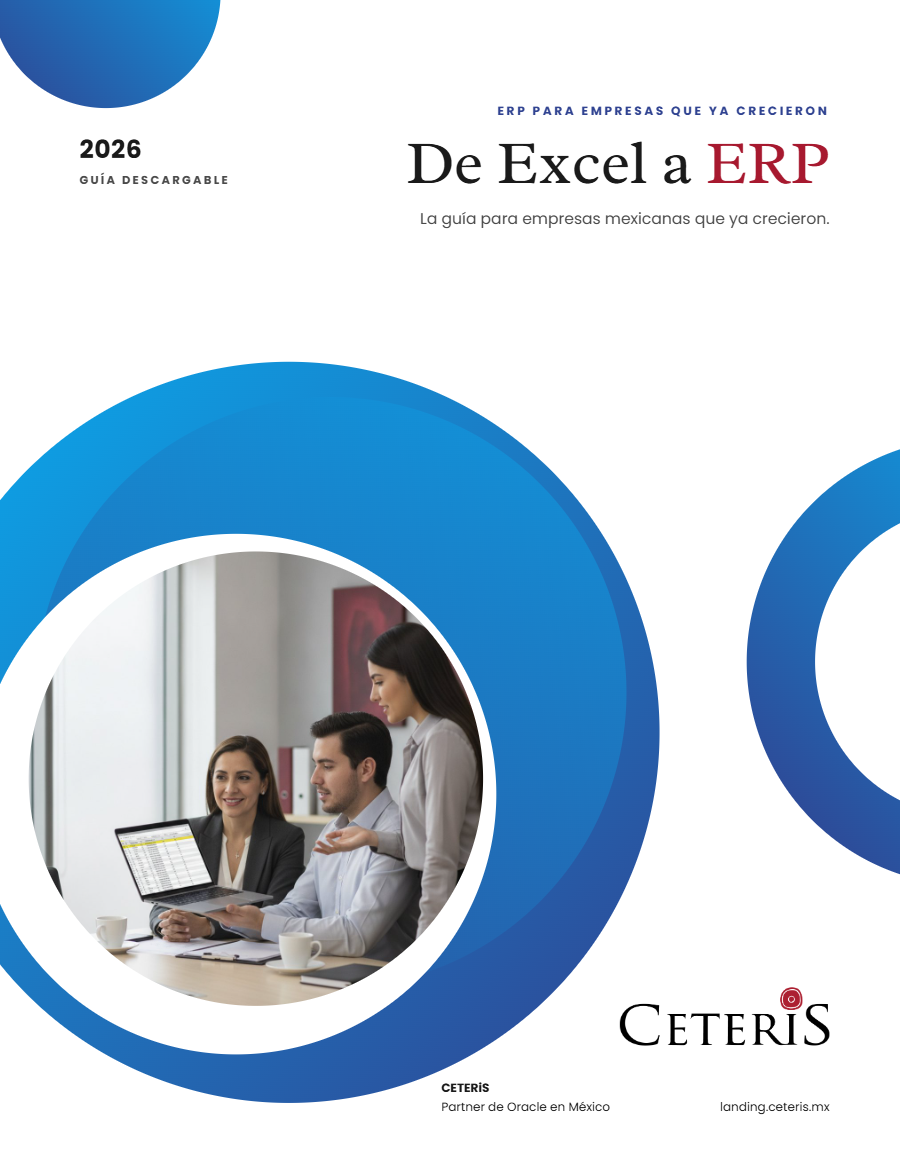
Free guide · 24 pages · In Spanish
From Excel to ERP: how to tell if it's time
What we'd tell you in a first assessment meeting, in writing: how to know whether you need an ERP, what it costs in estimated ranges and how to migrate without disrupting operations. Currently available in Spanish; English edition coming soon.
- The 7 signs you've outgrown spreadsheets
- What an ERP costs and what drives the price
- The 5 most expensive mistakes
- A checklist to decide whether it's time