NetSuite and Choosing an ERP
Master data in an ERP system: customers, suppliers, and items, and why they rule
What master data is in an ERP system, why errors in customers, suppliers, and items repeat across the whole system, and how to get them in order.
· 5 min read
When a company evaluates an ERP system, the conversation tends to revolve around modules: finance, purchasing, inventory, sales. That's natural, because they're what you see in the demo. But what decides whether the system is used with confidence or with distrust lies elsewhere: master data.
This article explains what master data is, why its errors multiply, and what you can do before and after implementation so they don't become an everyday problem.
What master data is
Master data is the set of records that describe the people, companies, and things your business works with and that are used over and over in transactions. The most common are:
- Customers: legal name, tax address, payment terms, contacts, and credit limit.
- Suppliers: tax data, bank accounts, payment terms, and purchasing categories.
- Items or services: code, description, unit of measure, classification, and costing rules.
- Chart of accounts and cost centers.
- Employees authorized to approve, and the company structure by branch or business unit.
An invoice, a purchase order, or a warehouse issue is a transaction. Each one is created, used, and archived. A customer, by contrast, stays, and every new transaction looks it up again.
Why a small error becomes a big one
In a spreadsheet, a mistyped value affects one row. In an ERP, it affects everything that points to it. If a supplier is set up twice with slightly different names, its invoices get split across two records and no one knows how much is owed in total. If an item has the wrong unit of measure, inventory and cost come out wrong from the first purchase, and the error carries into cost of sales.
This has a practical consequence: arguments of the “the report is wrong” kind almost always end at a master data record. The report added up correctly what the system had.
The four most common problems
- Duplicates: the same entity with two or three records, because of capitalization, abbreviations, or entry errors.
- Incomplete data: a customer without payment terms or an item without a classification, which force you to fix every transaction by hand.
- Outdated data: contacts, bank accounts, or addresses that changed and no one updated.
- No owner: no one is clear on who authorizes adding a supplier or changing a bank account, so anyone does it.
What to do before implementation
Migrating from a previous system or from spreadsheets is the chance to get things in order. Loading what exists as is is the fastest way to carry the problems into the new system.
- Take an inventory of what exists: how many customers, suppliers, and items there are, and which of them are no longer used.
- Define cleanup criteria. For example, a supplier with no activity in a period you choose can stay out of the initial load.
- Choose a unique identifier for each record type, such as the RFC (Mexican taxpayer ID) for customers and suppliers, and use it to detect duplicates.
- Decide which fields are mandatory. A field that can be left empty will be left empty.
- Test the load with a sample and review the result with the people who know the data, not just with systems staff.
A clean load takes longer than a fast one, but that time is recovered during the first financial close.
What to do after go-live
Master data gets dirty with use. To keep it from sliding back to square one, set simple rules and assign owners:
- One owner per type of data: finance for suppliers and bank accounts, sales for customers, operations for items.
- A setup process with review: the person who requests the record is not the one who authorizes it, especially when it includes bank details.
- A periodic review of duplicates and records with no activity.
- A change history that shows who modified a bank account or a payment term, and when.
The topic of internal control shows up clearly here. Changing a supplier's bank account is one of the most sensitive actions in an ERP, and it deserves a verification step, for example a confirmation call to a known contact.
How to ask about this when evaluating an ERP
When you watch a demo, in addition to the modules, ask how master data is handled:
- How does the system detect a duplicate when a supplier or customer is created?
- Can you define mandatory fields and validation rules?
- Can you require approval for sensitive creations and changes?
- Is there a record of who changed what and when?
- How is the initial data loaded, and how is it reviewed before go-live?
The answers tell you more about what daily operation will be like than any dashboard screen.
A reasonable order
If you had to start tomorrow, this order works for most companies:
- First, the chart of accounts and the company structure, because everything else rests on them.
- Then, suppliers and customers, which connect to payments and collections.
- Last, items and services, which are the most numerous and benefit the most from good classification.
And throughout the project, one person on your company's side who knows the data and can say “this is wrong” with authority.
When support makes sense
Getting master data in order is work that gets underestimated because it lacks the visibility of configuring a module. If your company is about to migrate from spreadsheets or another system and you want to go over how to prepare the load, CETERiS can help. Tell us which system you use today and how many records you manage, and we'll tell you what we would review first. At www.ceteris.mx/guia-excel-a-erp/ you'll find a guide for companies coming from spreadsheets.
How we can help
Facing something similar?
Tell us which system you run and what it can't do for you today. The first conversation is about understanding your situation.
Request an assessment


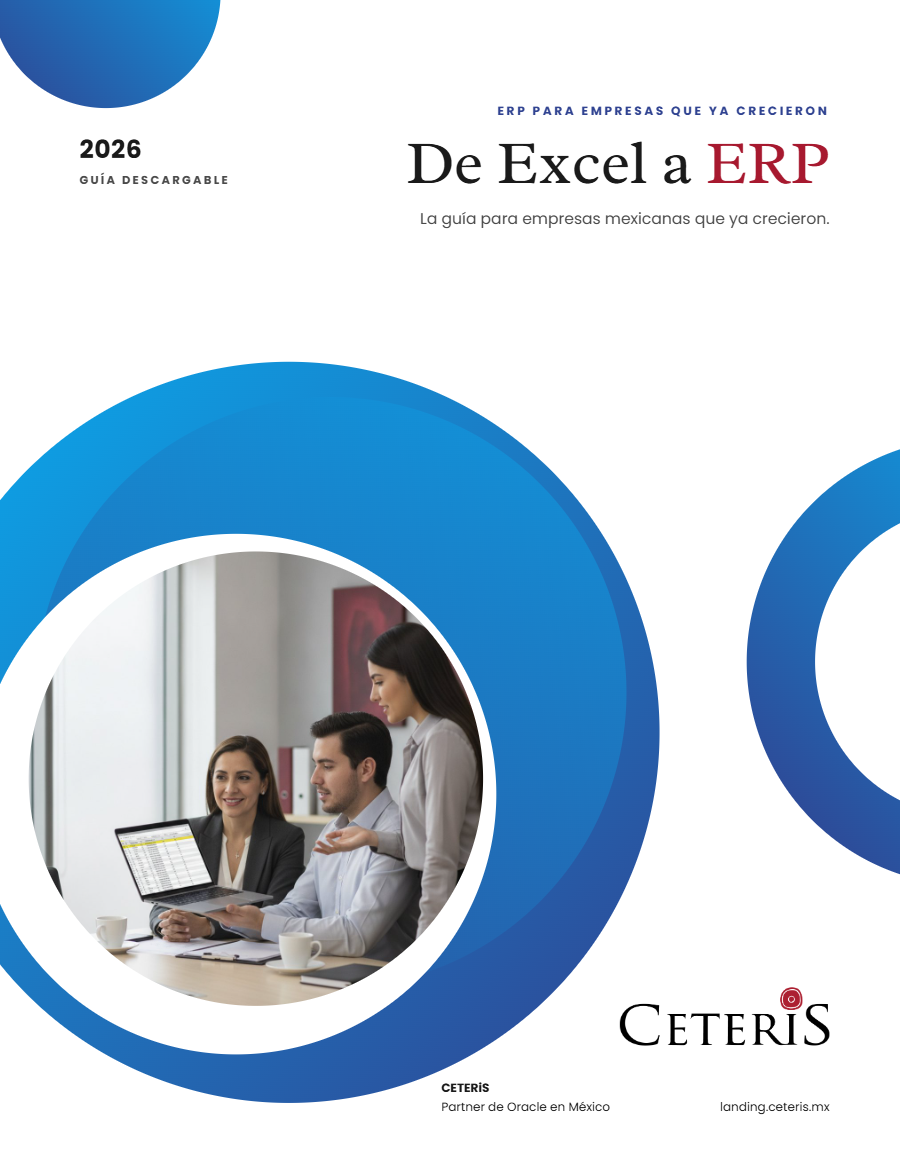
Free guide · 24 pages · In Spanish
From Excel to ERP: how to tell if it's time
What we'd tell you in a first assessment meeting, in writing: how to know whether you need an ERP, what it costs in estimated ranges and how to migrate without disrupting operations. Currently available in Spanish; English edition coming soon.
- The 7 signs you've outgrown spreadsheets
- What an ERP costs and what drives the price
- The 5 most expensive mistakes
- A checklist to decide whether it's time